Ornaments
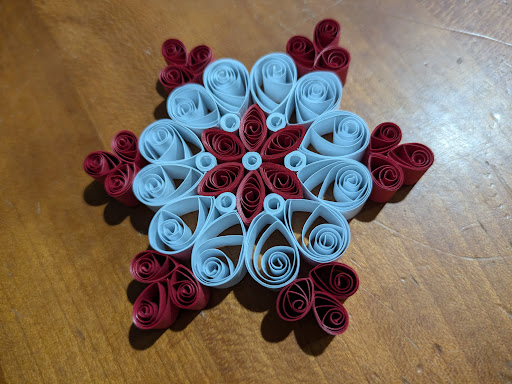
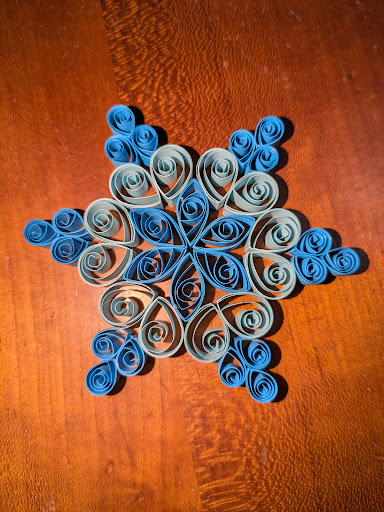
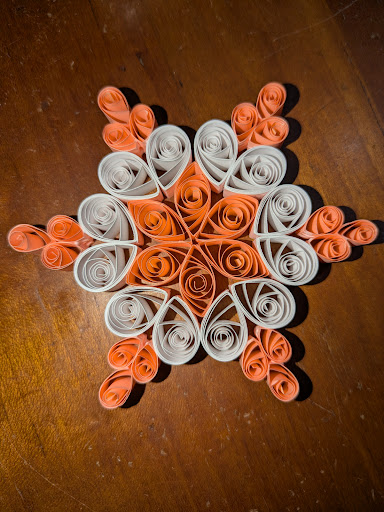
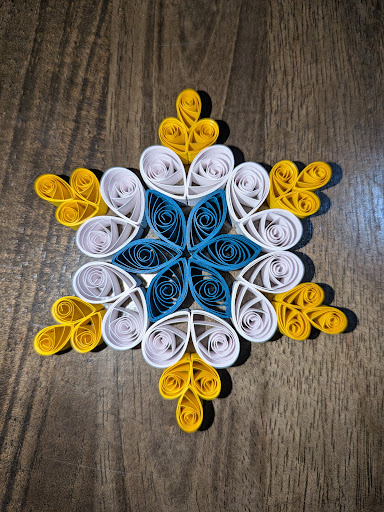
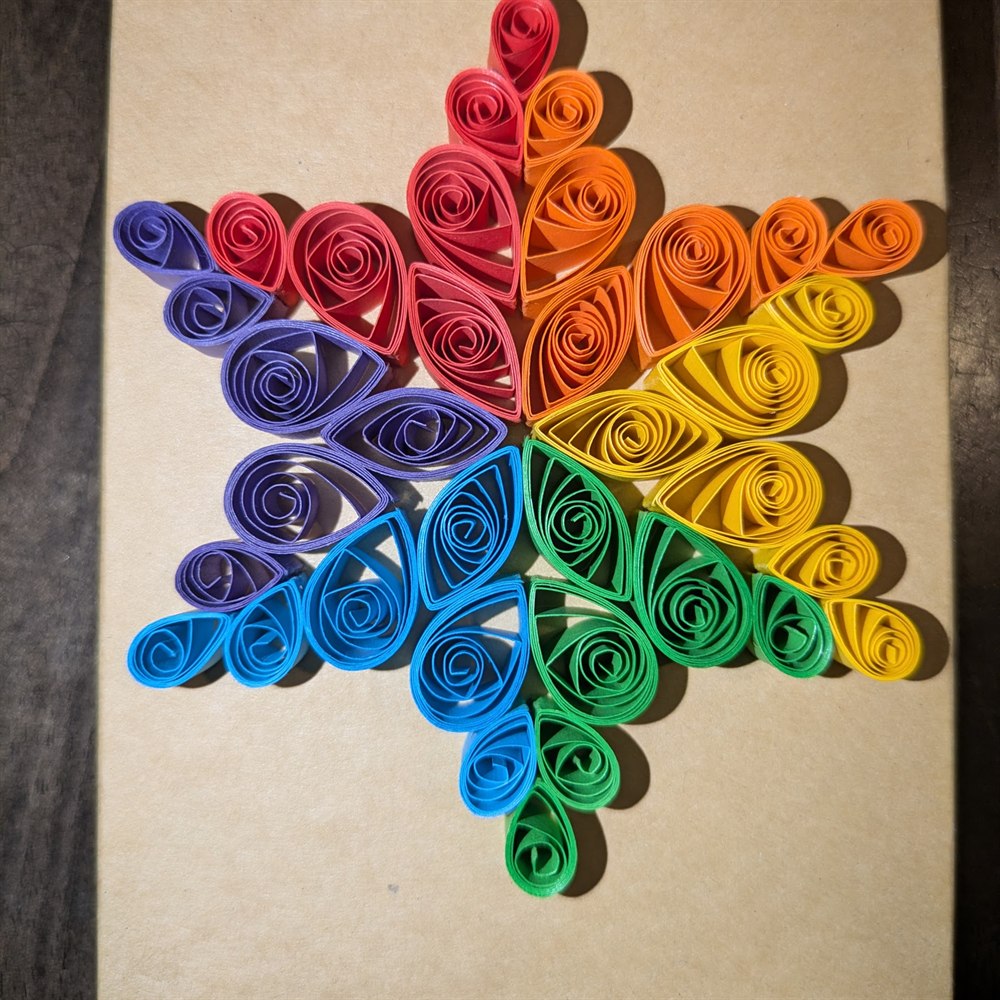
Hand-quilled paper ornaments, ready to hang or gift.
Snowflake Gallery
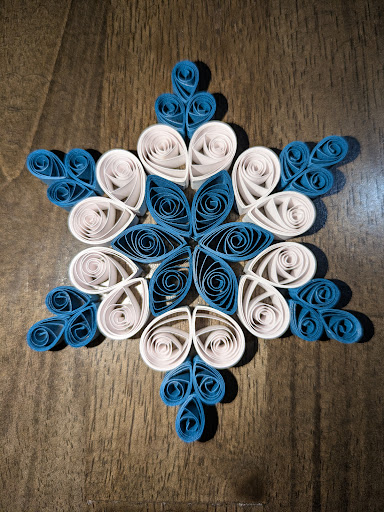
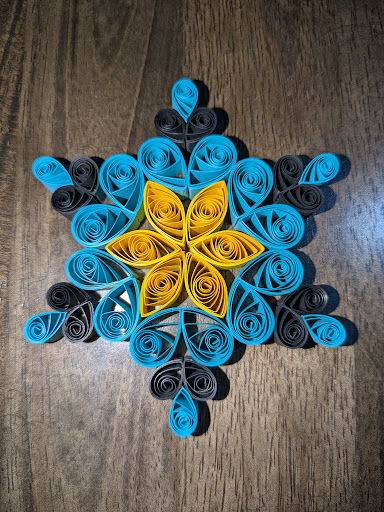
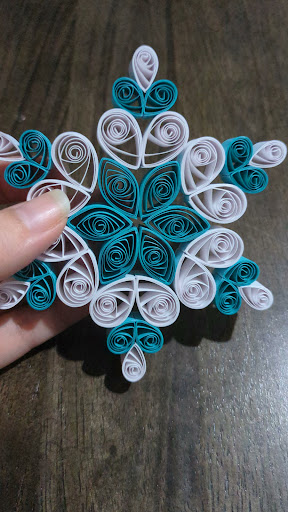
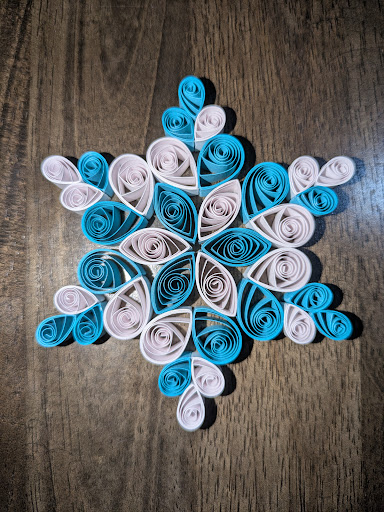
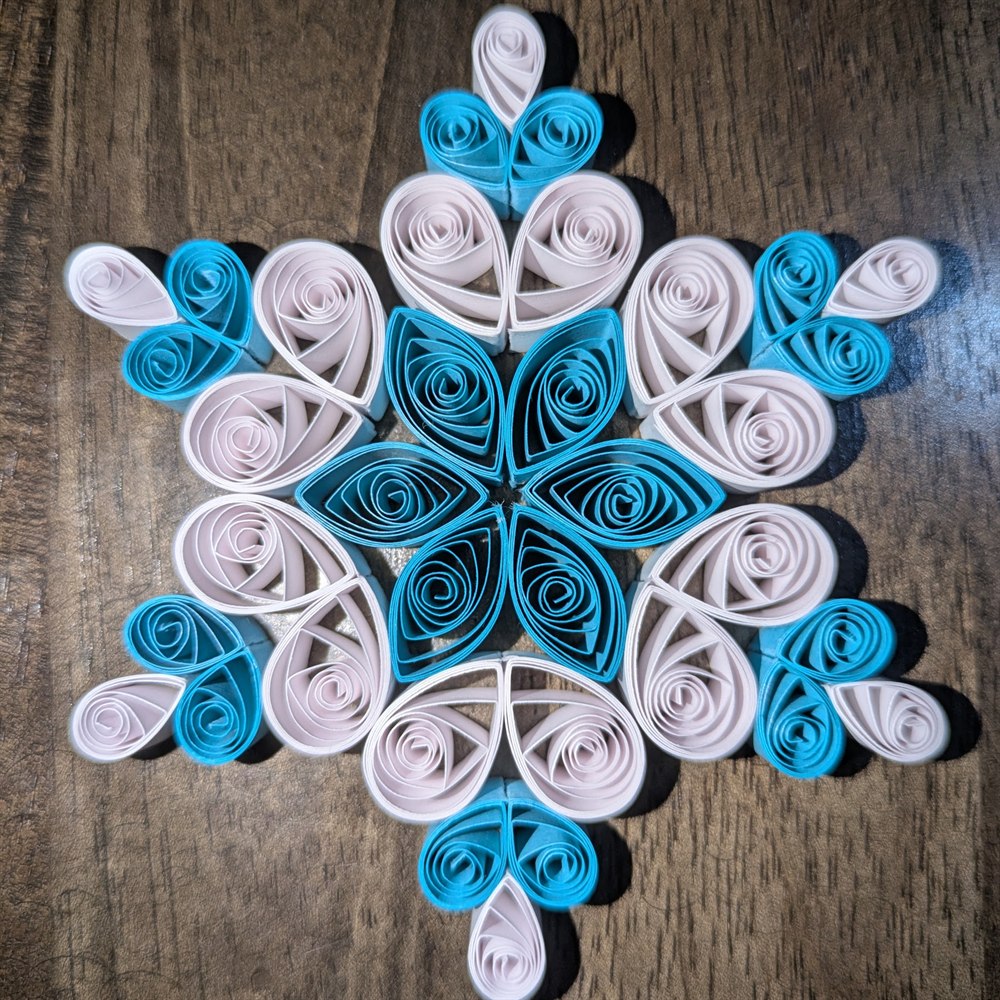
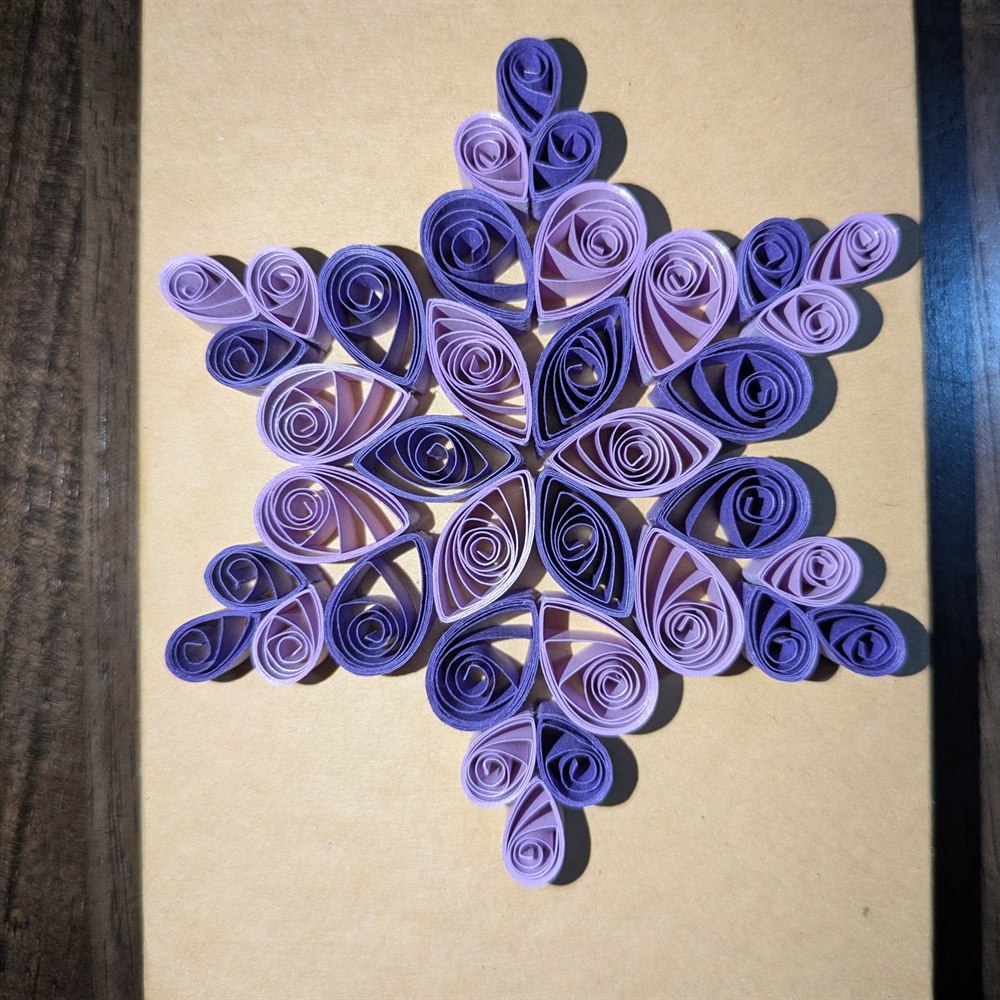
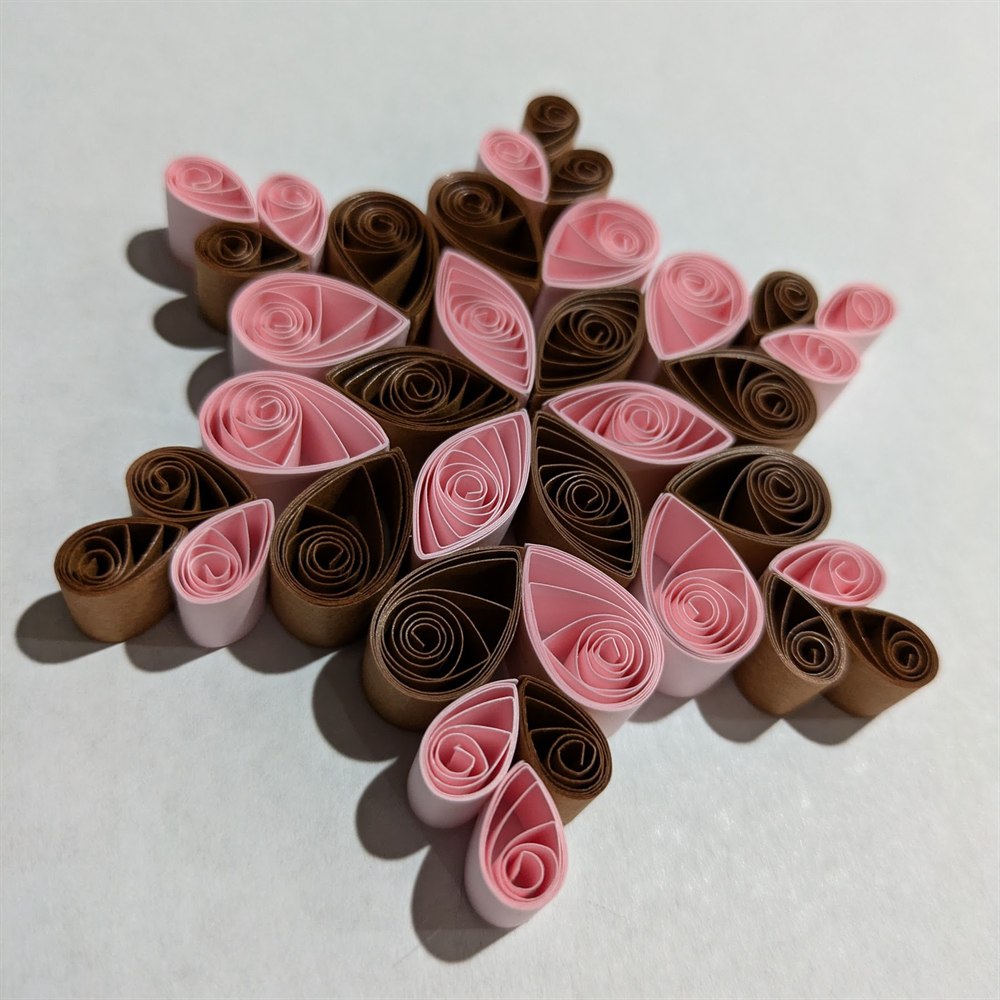
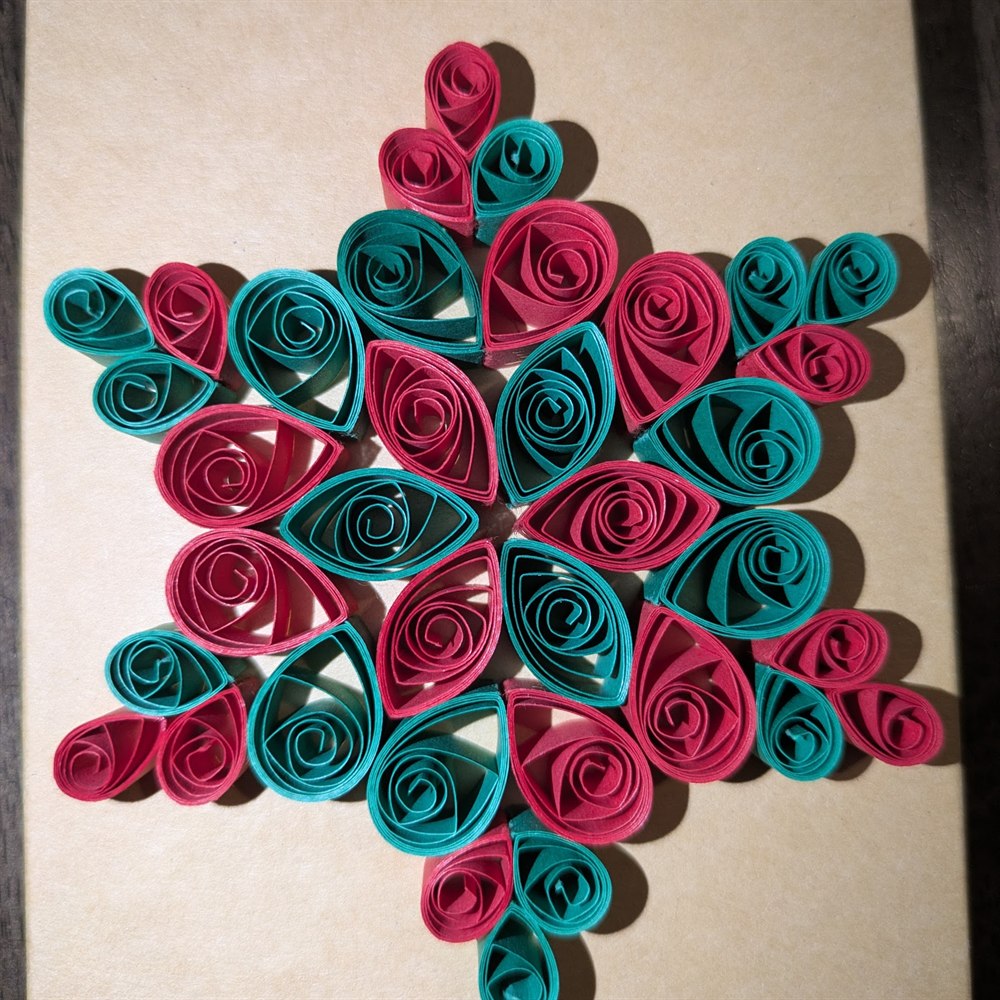
Discover our meticulously curated collections. From delicate quilled artwork and bespoke stationery to structured digital accessories, everything at Sebastian is crafted with intention.
Meticulously rolled, shaped, and glued paper creations.
Hand-quilled paper ornaments, ready to hang or gift.
Functional art for your refrigerator or workspace.
Want a fully custom design?
Hands-on paper quilling and card making, brought to your event. Every material provided – guests leave with something they made themselves.
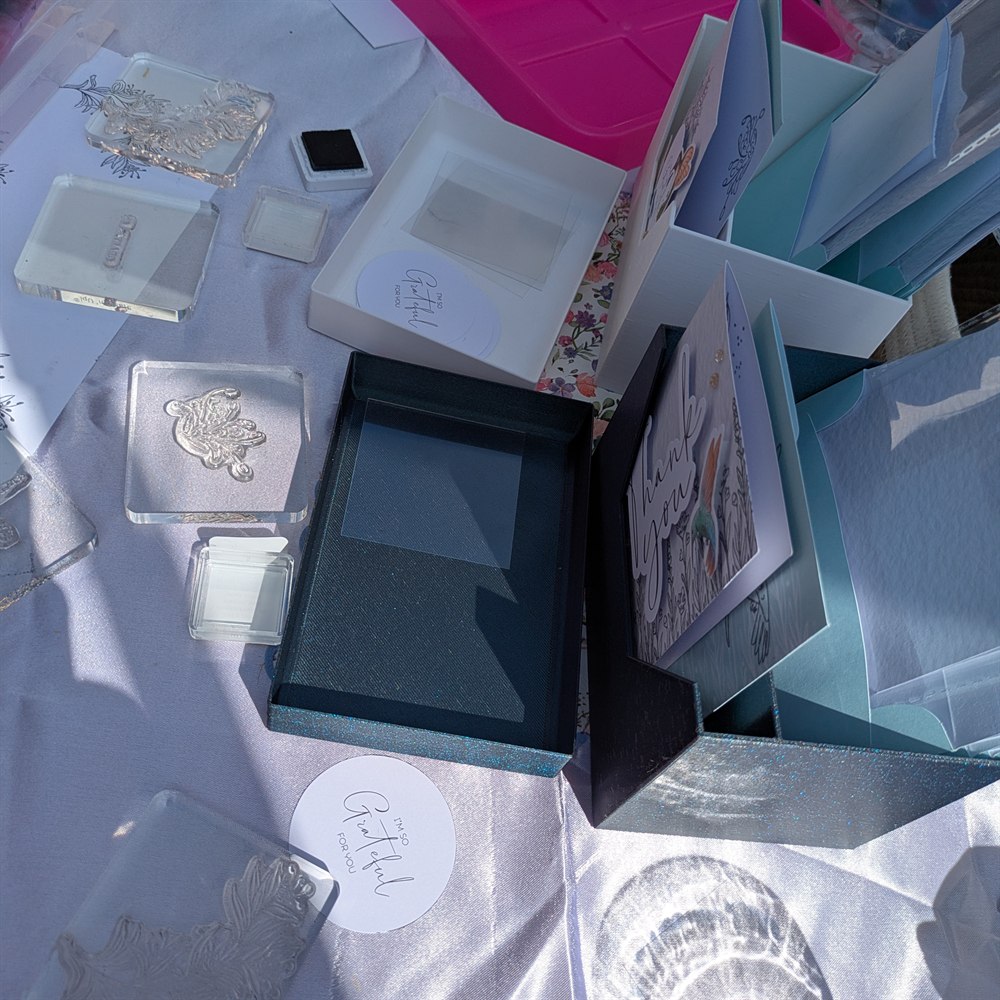
Roll, shape and glue strips of paper into flowers, butterflies or snowflakes. No experience needed – a short session is enough to finish a first piece.
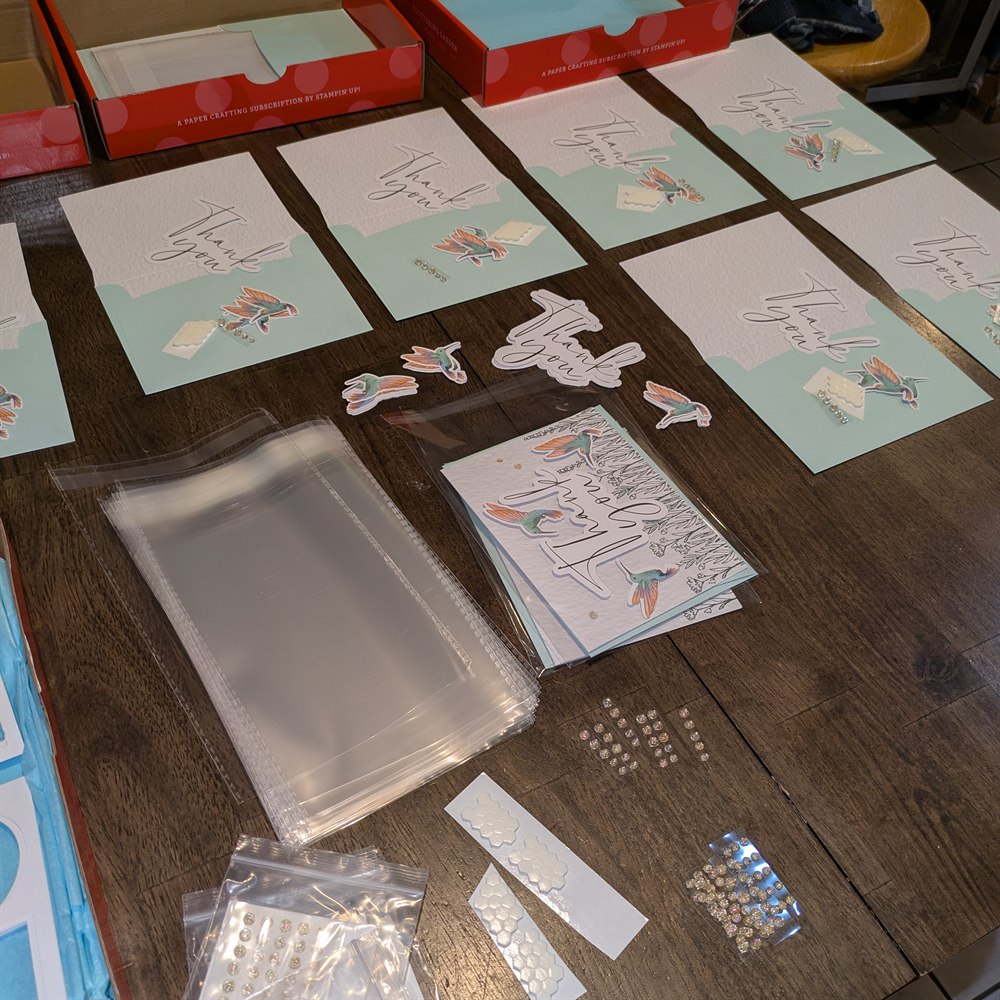
Stamping, layering and embellishing with premium cardstock. Guests build a small set of finished cards to take home.
Sessions run from 30 minutes to 3 hours. We'll tailor the project and pace to the time you have – a quick make for a pop-up, or a longer, more involved piece for a shower or team day.
Each guest gets their own kit with pre-cut papers, tools and embellishments, so the session is all making and no setup. Length, group size and project are all flexible – anything from a 30 minute drop-in to a 3 hour workshop – and everything can be matched to a theme or colour scheme for your event.
Tell us a little about your event below and we'll come back to you with options and pricing.
We usually reply within a day or two.
We'll be in touch at the email you gave us. If you don't hear back within a couple of days, email [email protected] directly.
Markets, pop-ups, and events we're attending in person.
Build a custom quilled snowflake from our in-stock paper colours.
Choose a paper colour from our inventory, then click the snowflake to apply it. Or use the layer menus below to build your design.
Alternating and half & half pair your active colour with the secondary colour below.
Used as the second colour by Alternating and Half & half above.
Build a custom quilled flower magnet from our in-stock paper colours.
Choose a paper colour from our inventory, then click a petal to apply it.
Alternating pairs your active colour with the secondary colour below.
Used as the second colour by Alternating above.
Select a sentiment to browse our curated collections.
Enhance your digital planning and note-taking with precision-engineered software and hardware.
A native software plug-in designed specifically for the Supernote ecosystem. Seamlessly integrate modular planning structures directly into your daily workflow without switching documents.
Design and export your customized template structures. Built to pair perfectly with the Modulanner plug-in, or use it independently to generate standard PDF templates for any e-ink device.
Design and export your templates right here in the browser.
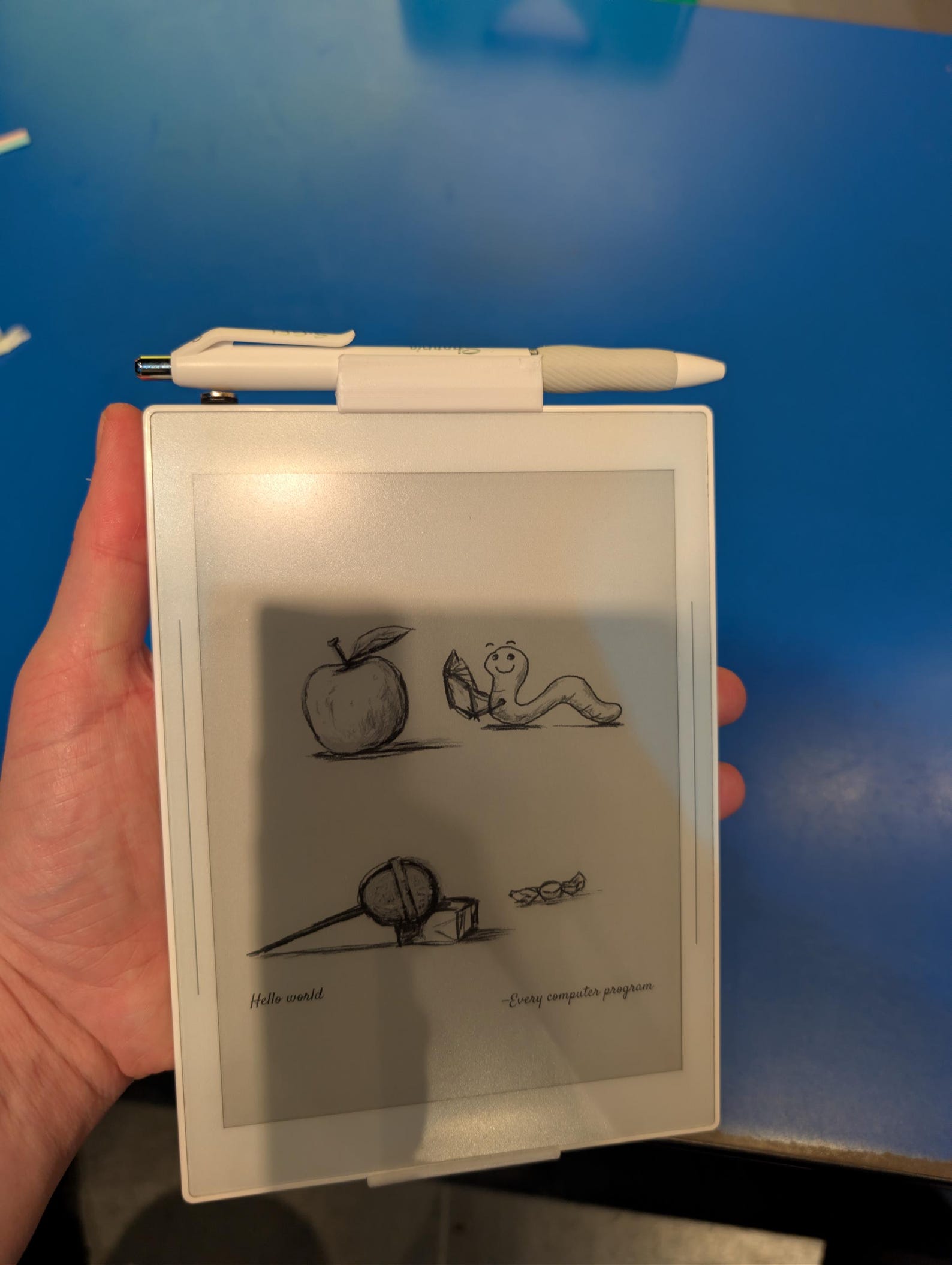
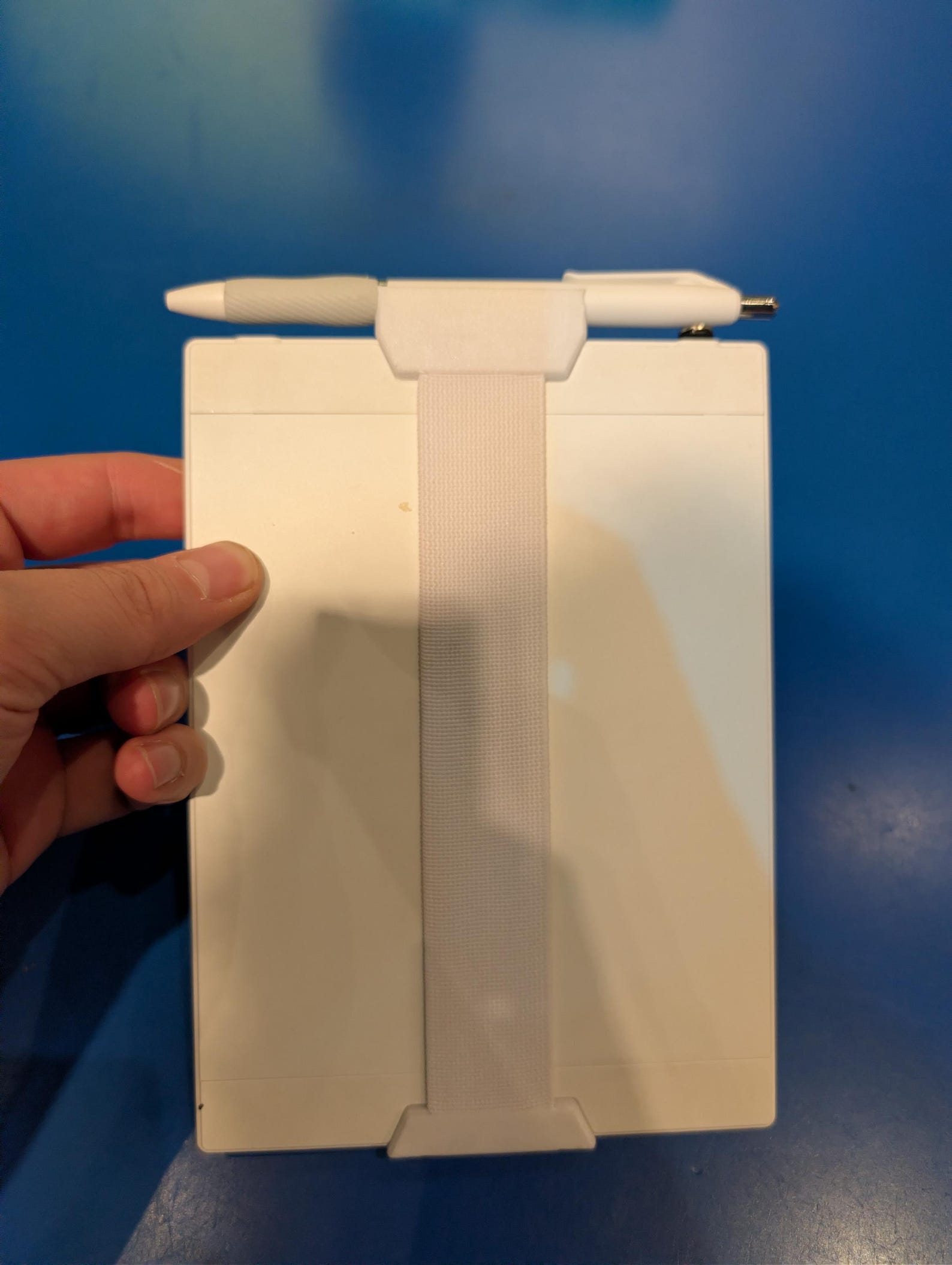
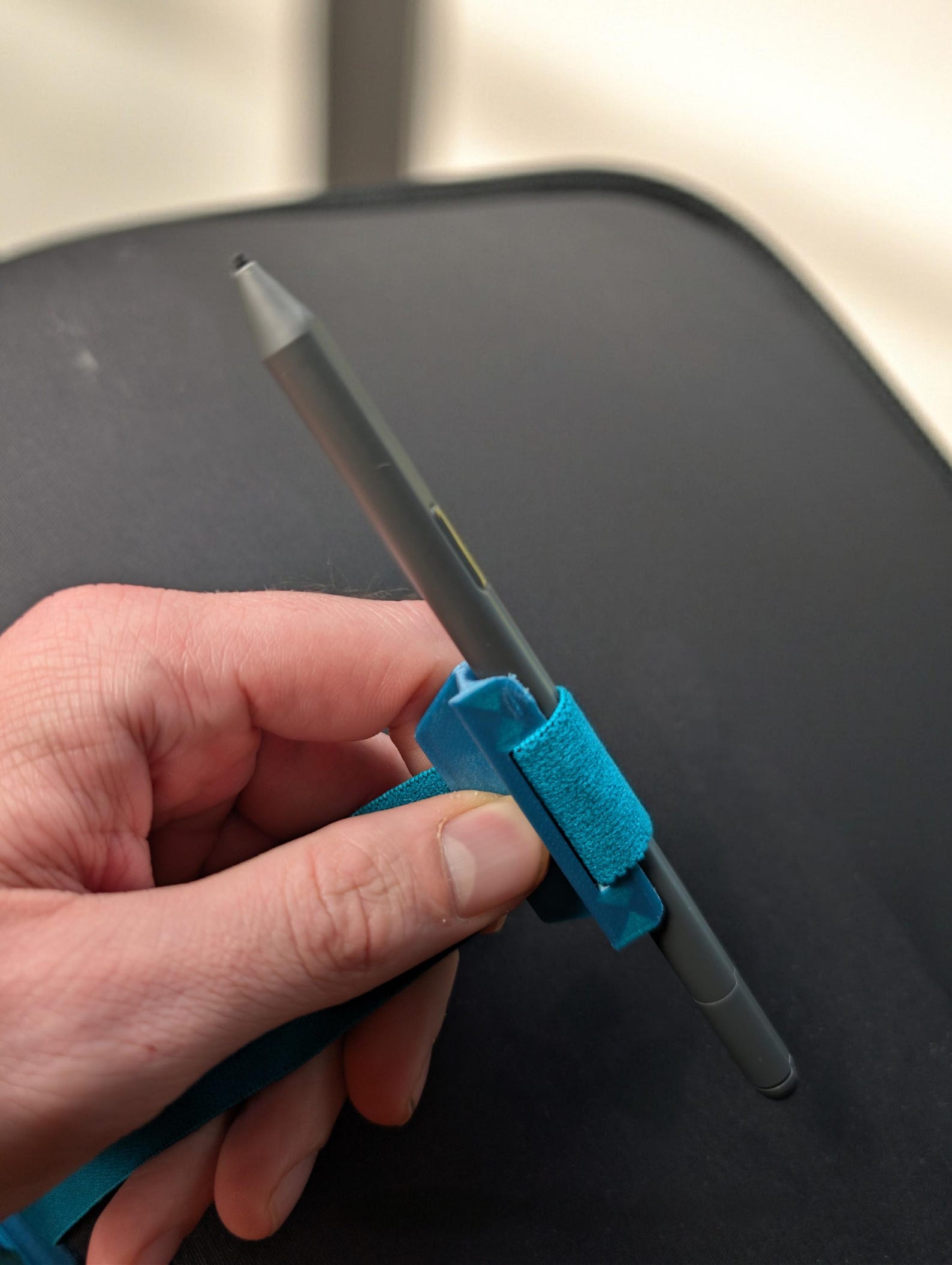
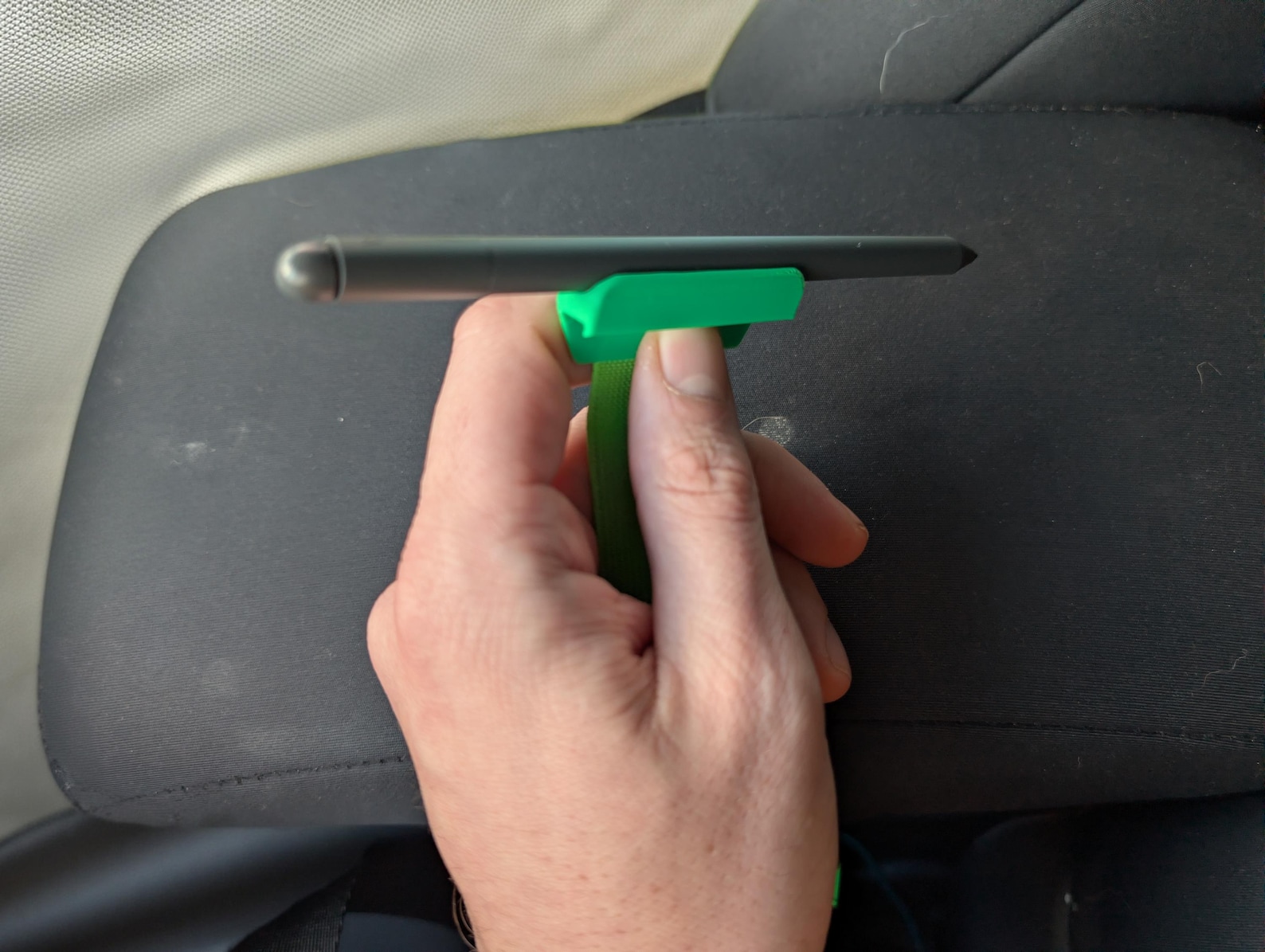
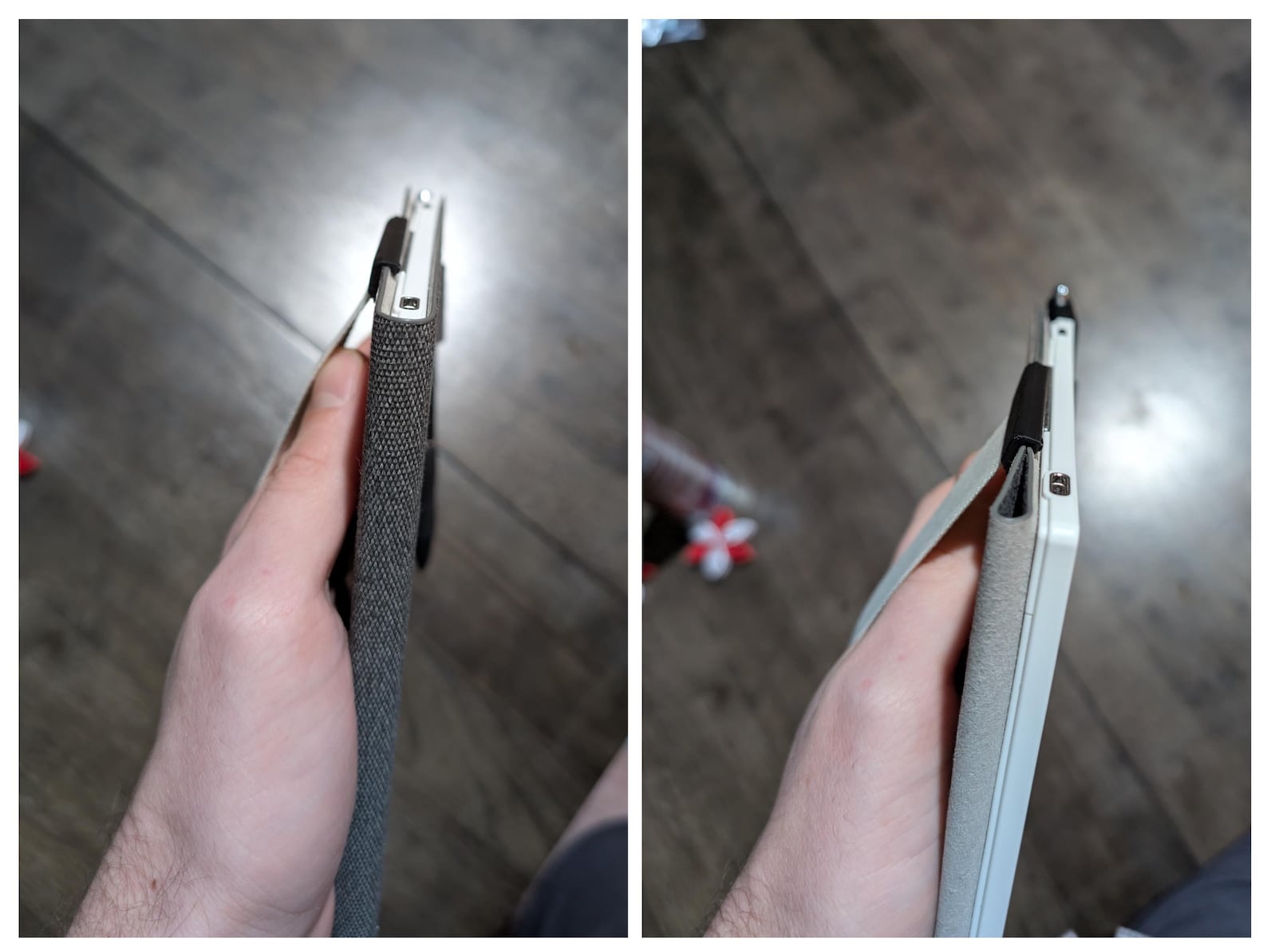
A secure, comfortable hand strap for your Supernote (or other e-ink tablet), designed by a user, for a user. Ultra low-profile — it sits nearly flush on a table so writing stays smooth with minimal rocking. The built-in pen holder grips your pen securely even on the move. Choose Magnetic (best for pens with built-in magnets, no polarity worries) or Elastic soft grip (a great all-around fit for most pen diameters), or skip the pen holder entirely. Sturdy and magnet-free strap construction (for the solid/elastic strap itself) means no interference with your tablet.
Please select your tablet model.
Please select a pen holder style.
Please enter a valid quantity of 1 or more.
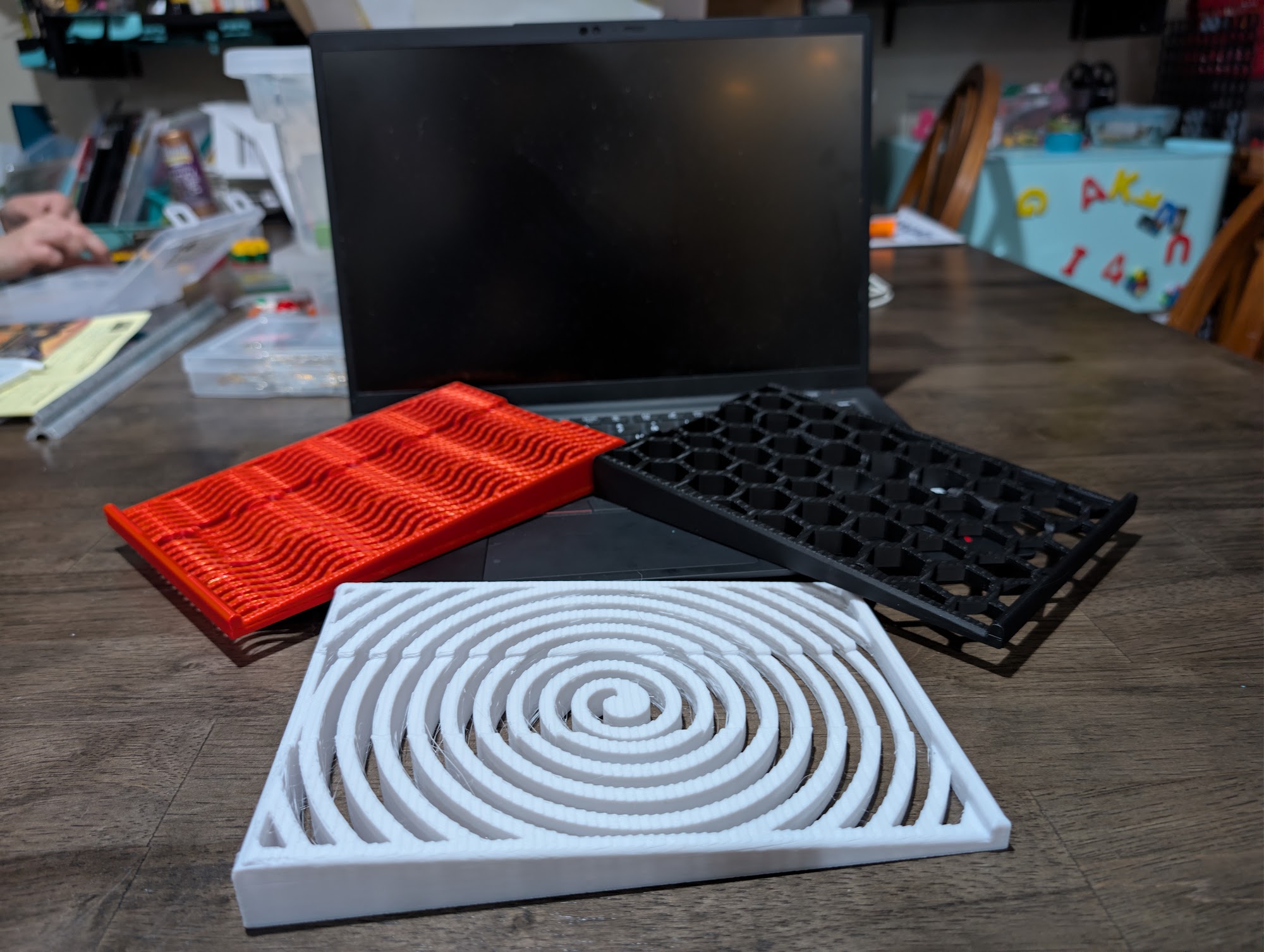
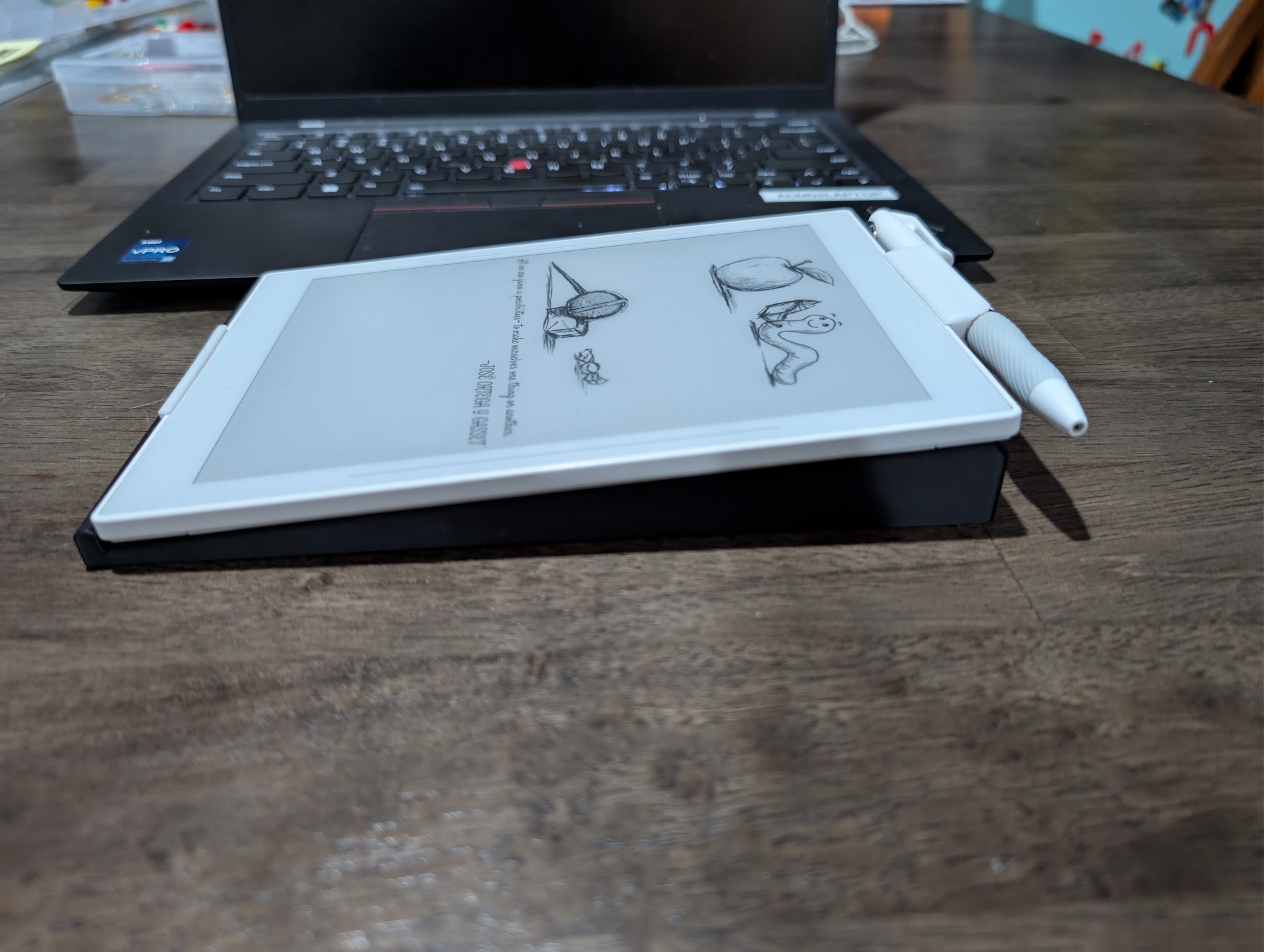
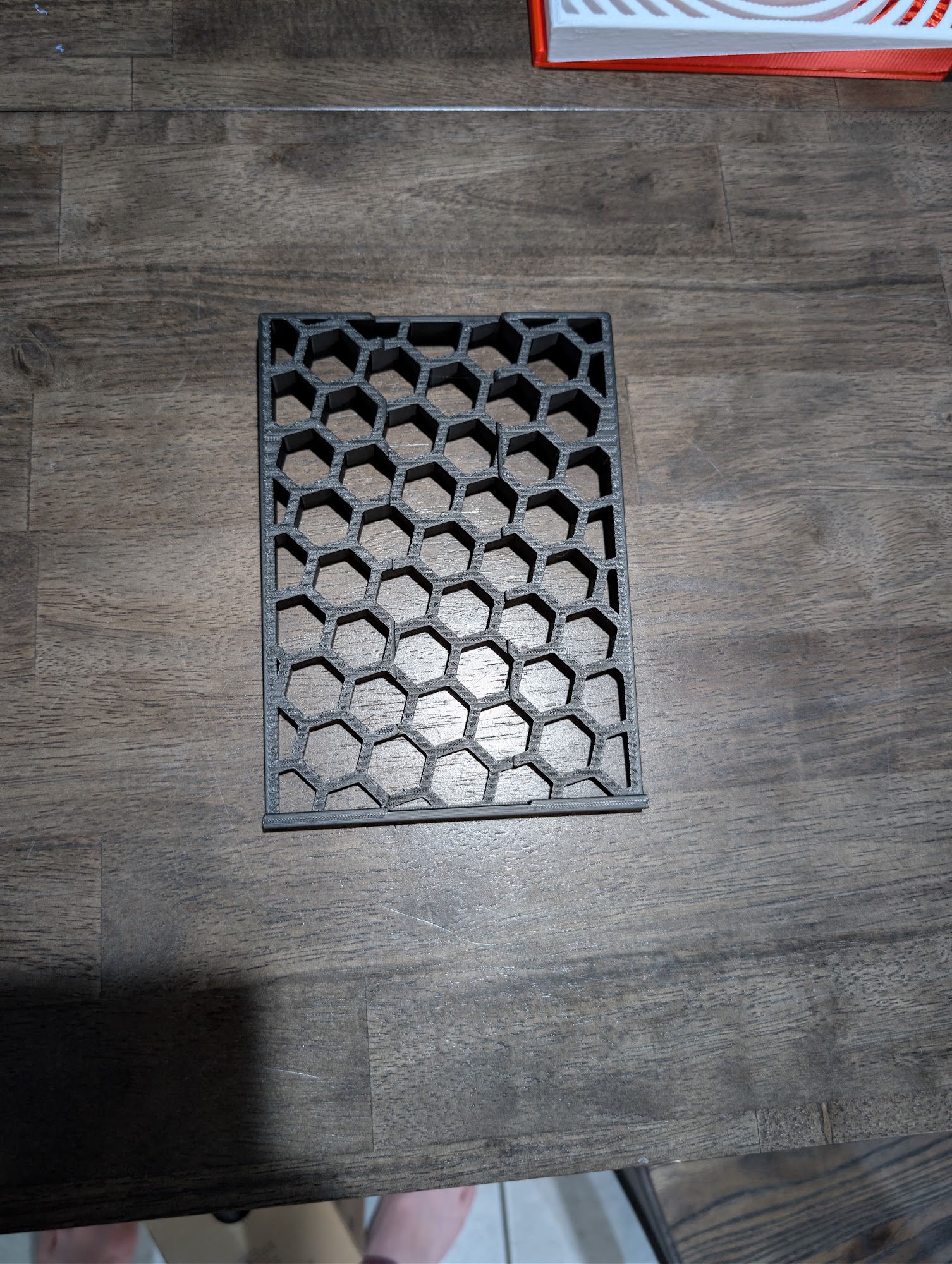
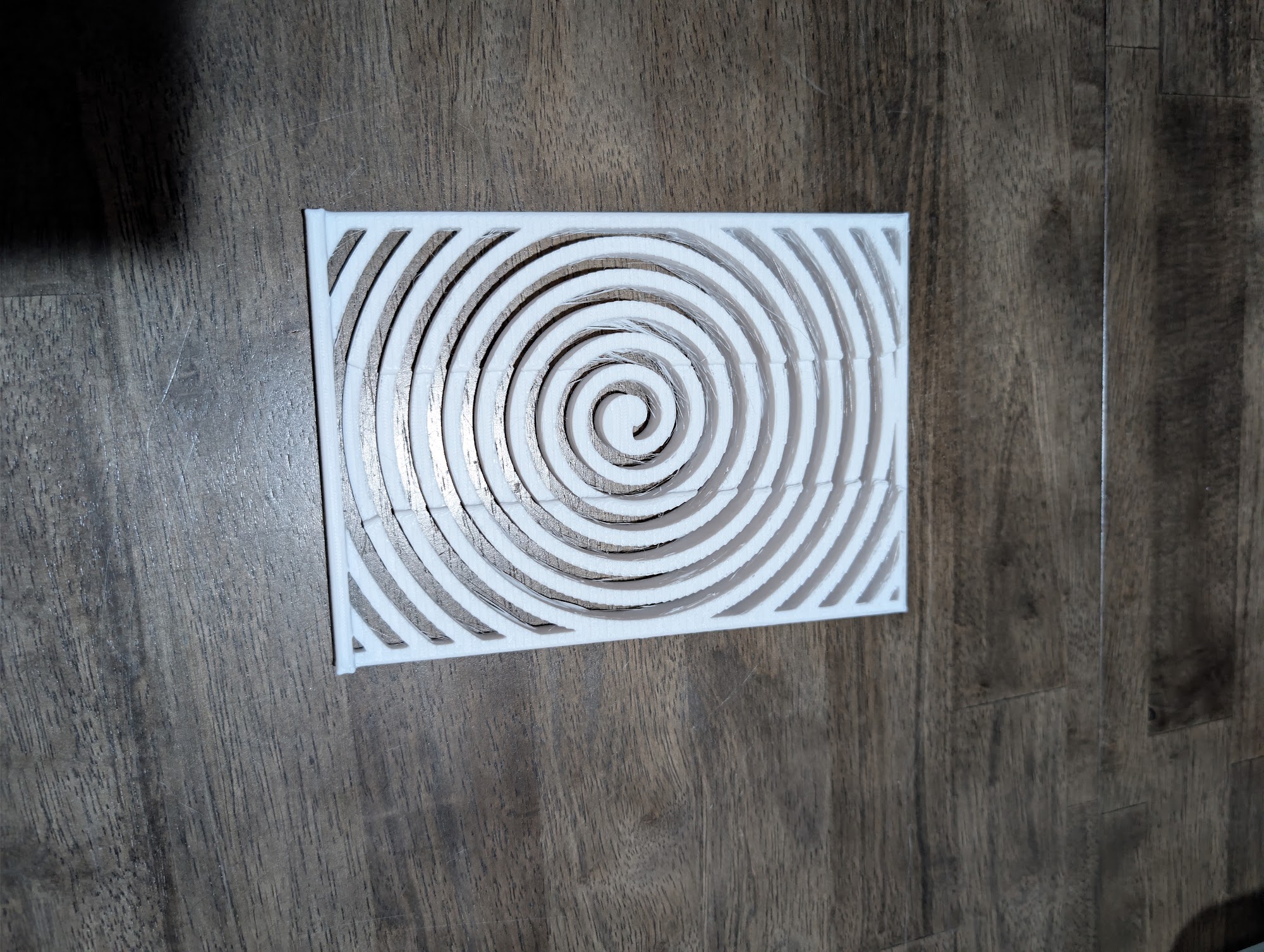
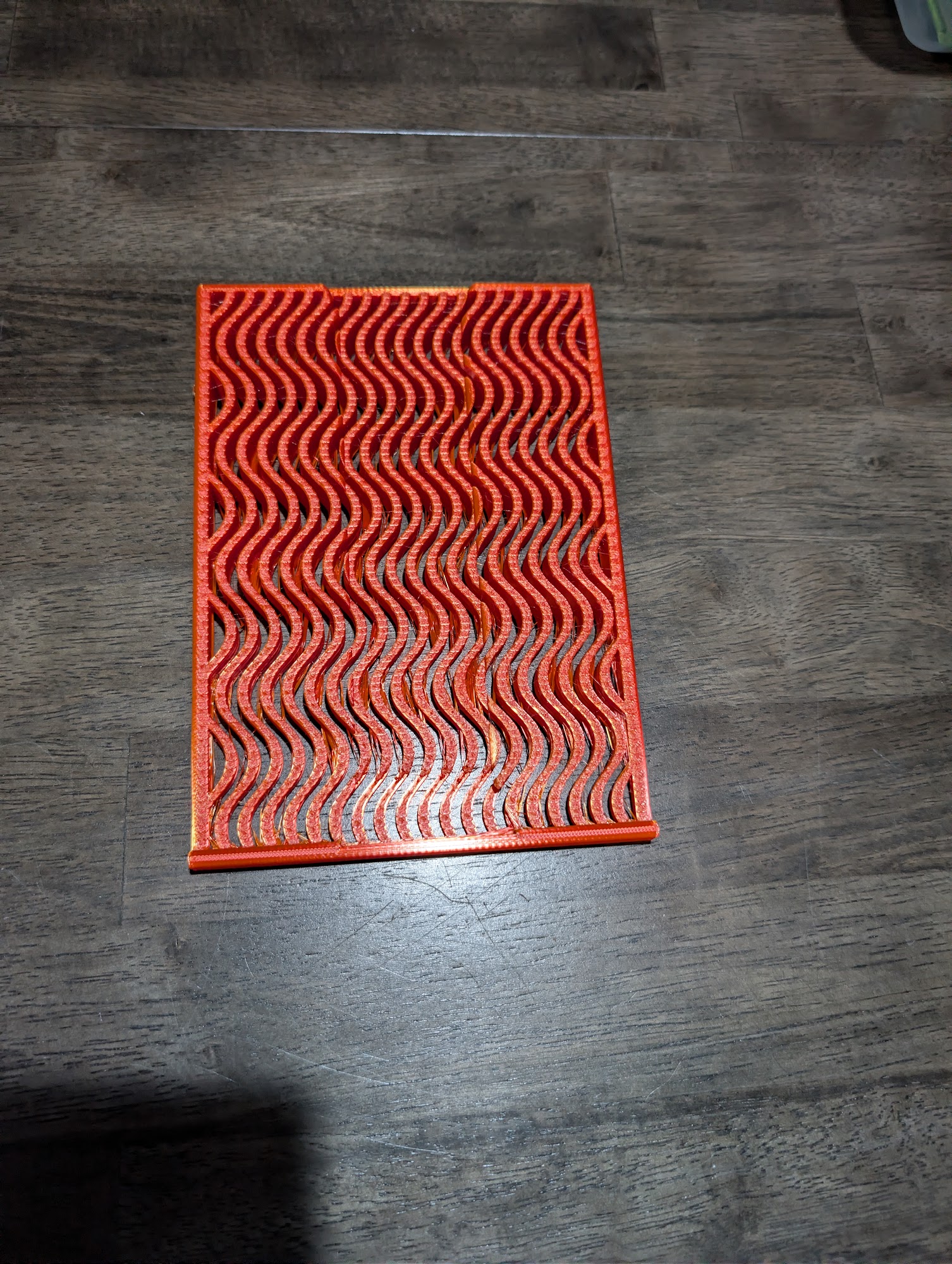
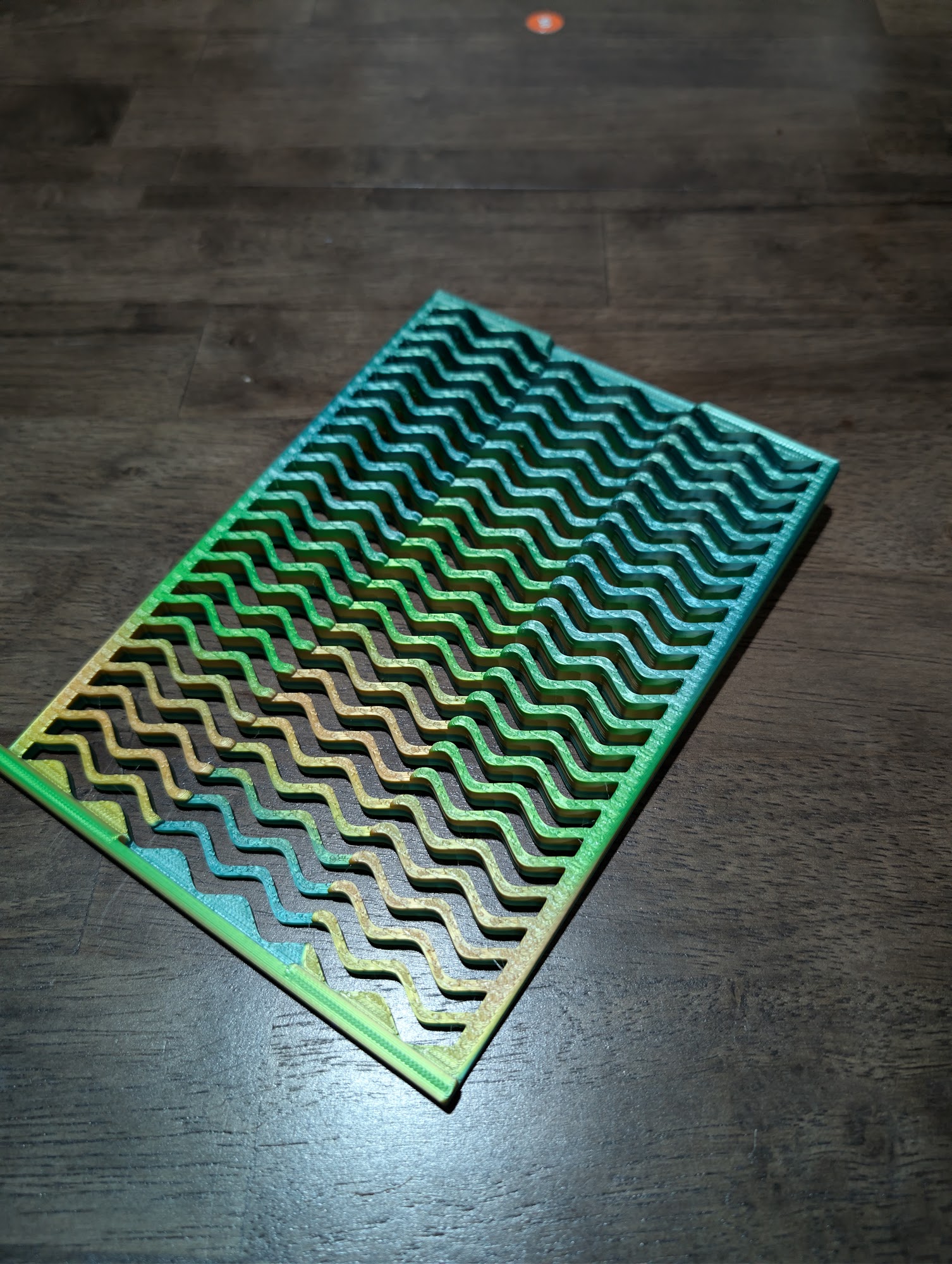
An ergonomic riser stand designed specifically for writing on digital paper tablets like the Supernote, Remarkable, Boox, and Viwoods. Elevates your device to a gentle, stable angle that reduces neck strain and keeps your wrist in a natural position for extended note-taking or drawing sessions.
Please select a pattern.
Please tell us your device's model or screen size so the stand fits.
Please enter a valid quantity of 1 or more.
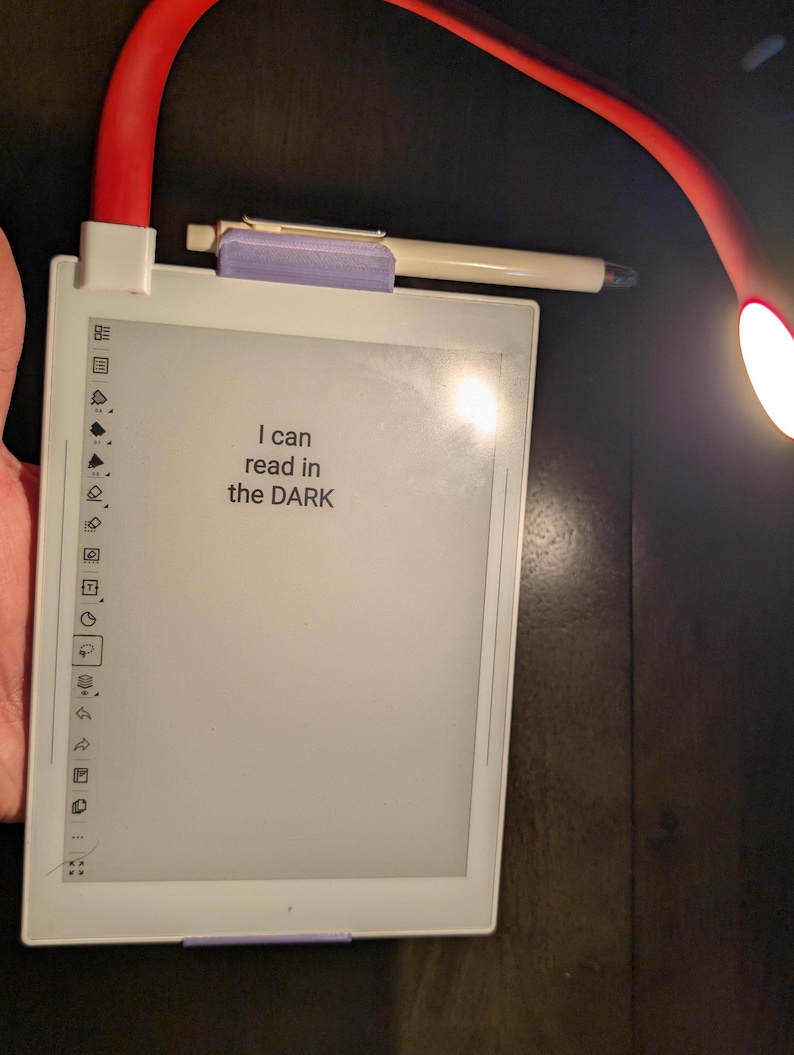
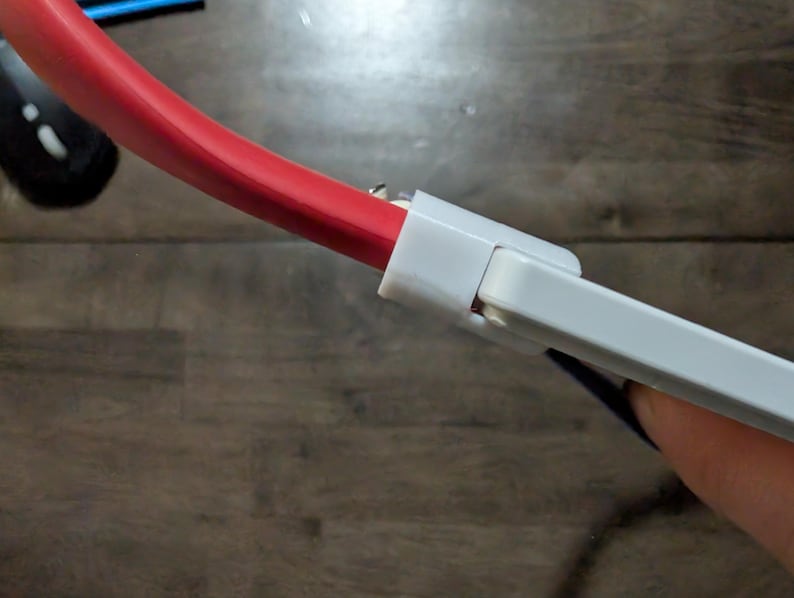
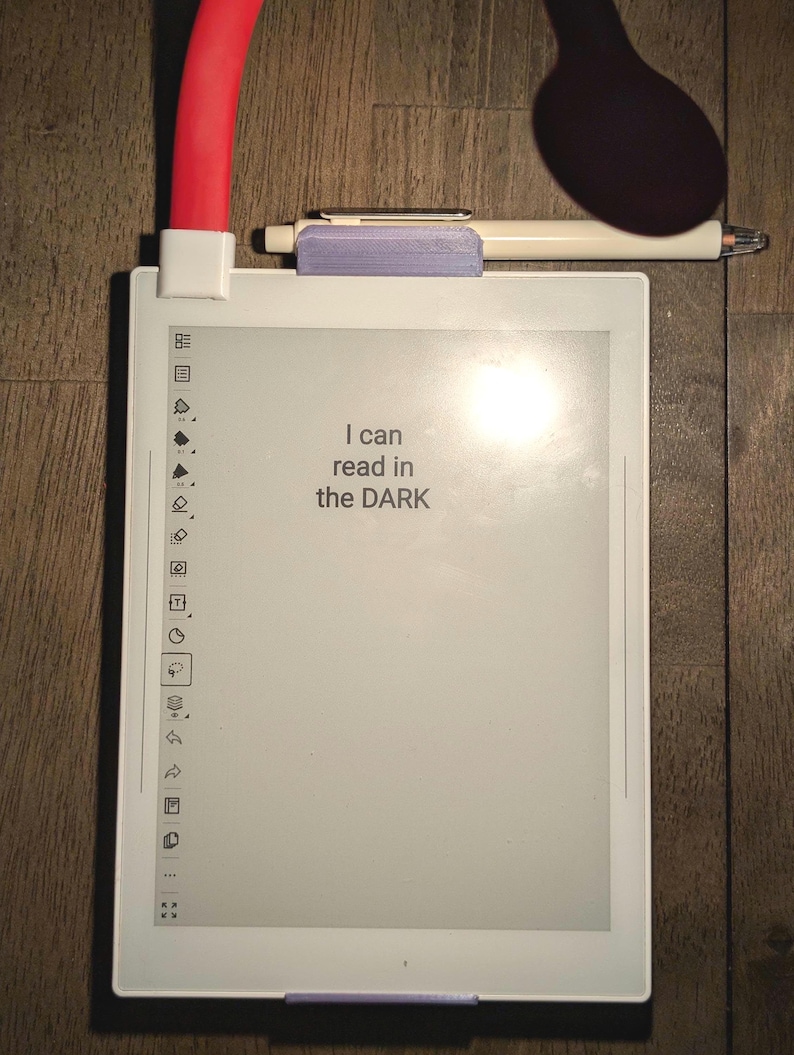
A low-profile, glare-free gooseneck reading light designed for the Supernote Nomad and other USB-C e-ink tablets. Includes a custom 3D-printed brace protector that slips over the plug to prevent torque and strain on the tablet's USB-C port.
A modular, hyperlinked planner for Supernote.
Modulanner is an interactive digital planner plugin for Supernote. It turns a single .note file into a hyperlinked daily, weekly, and monthly planner. Invisible tap regions sit over your own template artwork — tap one and it finds or creates the right dated page and links you to it.
Version 1.2.0 · built 10 October 2026
Standard release for current-generation devices. Includes the hand-drawn Whimsy template pack.
Version 1.2.1 · built 13 October 2026
Hotfix for older tablet models for the text box fix. Includes the hand-drawn Whimsy template pack.
Modulanner folder into MyStyle/ on the device. This is where your templates and packs live.
Modulanner.snplg into MyStyle/ as well.
On the device, open Settings, then Apps, then Plugins. Find Modulanner and install it.

Tip: If the toolbar button doesn't appear, close the note app completely and reopen it. The plugin loads when the app starts.
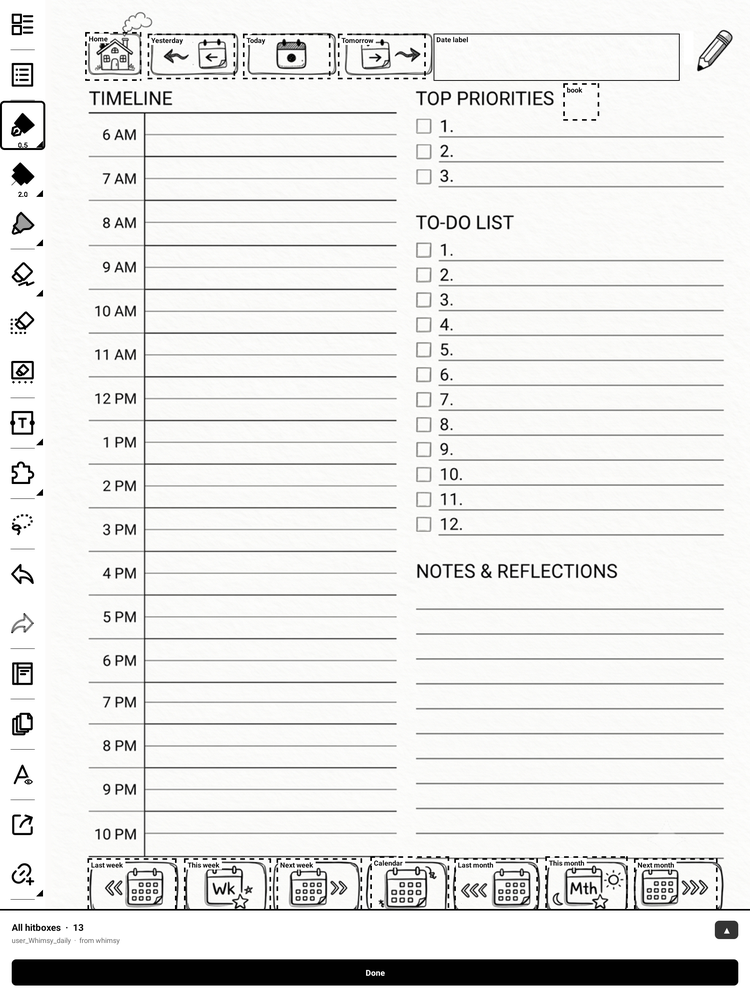
Today, Tomorrow, Yesterday, This/Next/Last Week, This/Next/Last Month and Home. All ten are free for everyone.
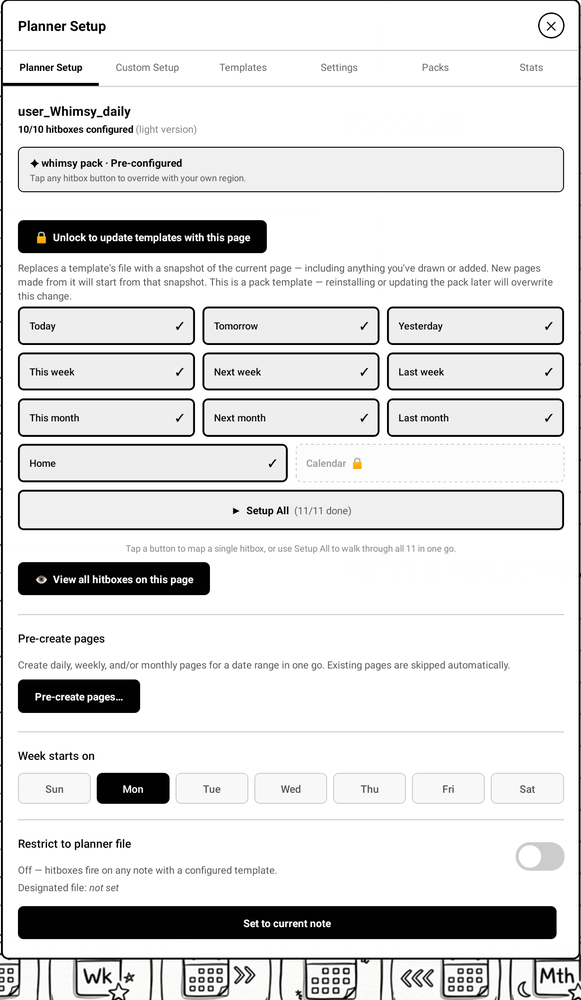
A guided walkthrough maps each button onto your template. The regions are invisible; your own drawing is what you aim at.
Free companion tool
You don’t have to draw your planner by hand. The Planner Builder runs in your browser and the page is yours to shape: drop in the widgets you actually use, drag them where you want them, and resize any of them to give the things you care about more room.
Seventy-seven widgets across nine groups — timelines, priorities, to-do lists, habit and mood trackers, calendars, journalling prompts, and more. Swap or delete anything, start from a Daily, Weekly, Monthly or Journal layout, or begin with a blank grid and build the page around your own routine.
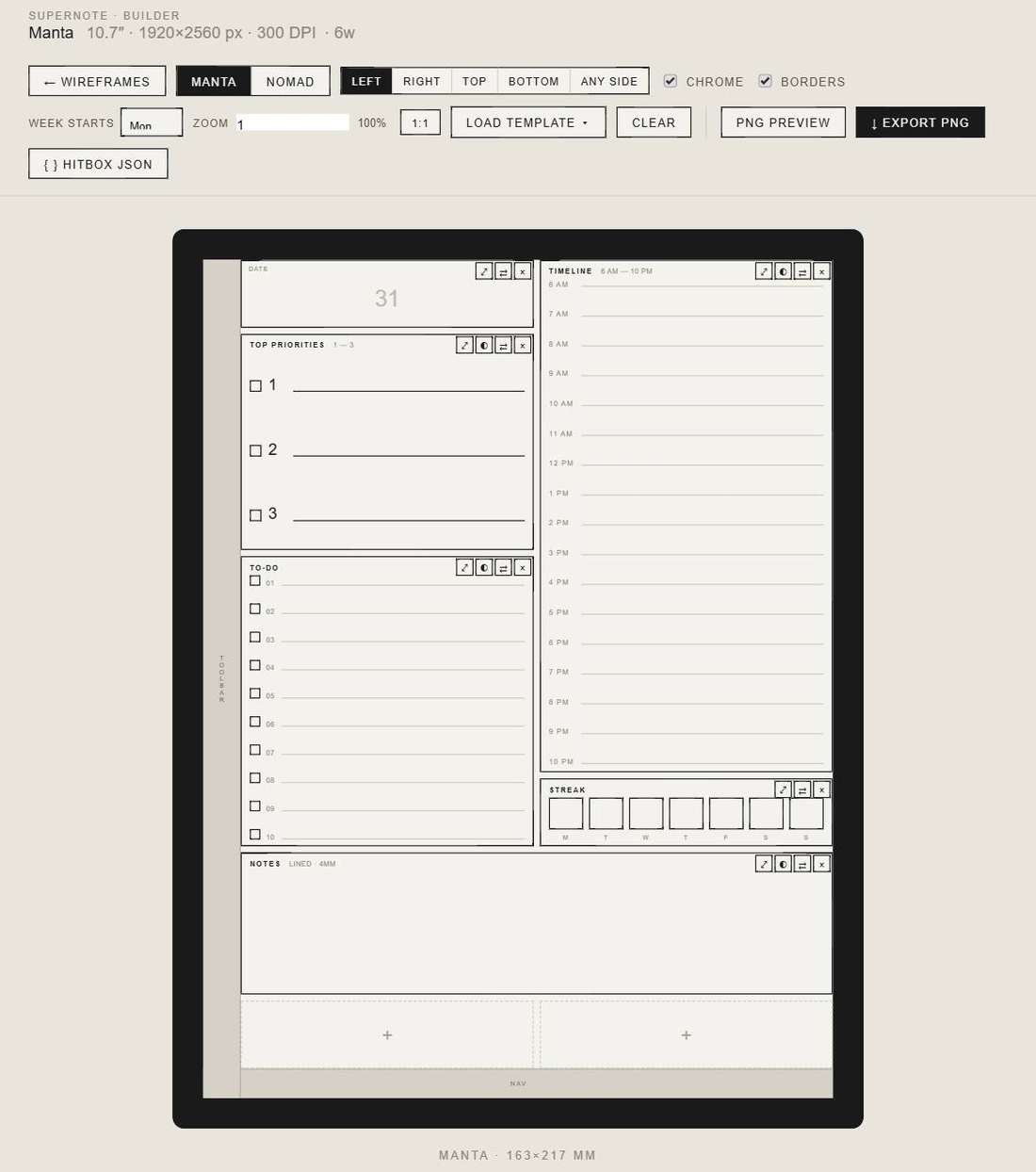
Export the finished page as a PNG, plus a hitboxes.json
in the same format Modulanner’s template packs use — so the buttons line up without
measuring anything by hand.
On Sale
Unlocks the full version of the Modulanner plugin. Keys are generated by hand and emailed to you within 24 hours of purchase – there is nothing to ship.
We'll send the key to the email address you enter at checkout. Please double-check it.
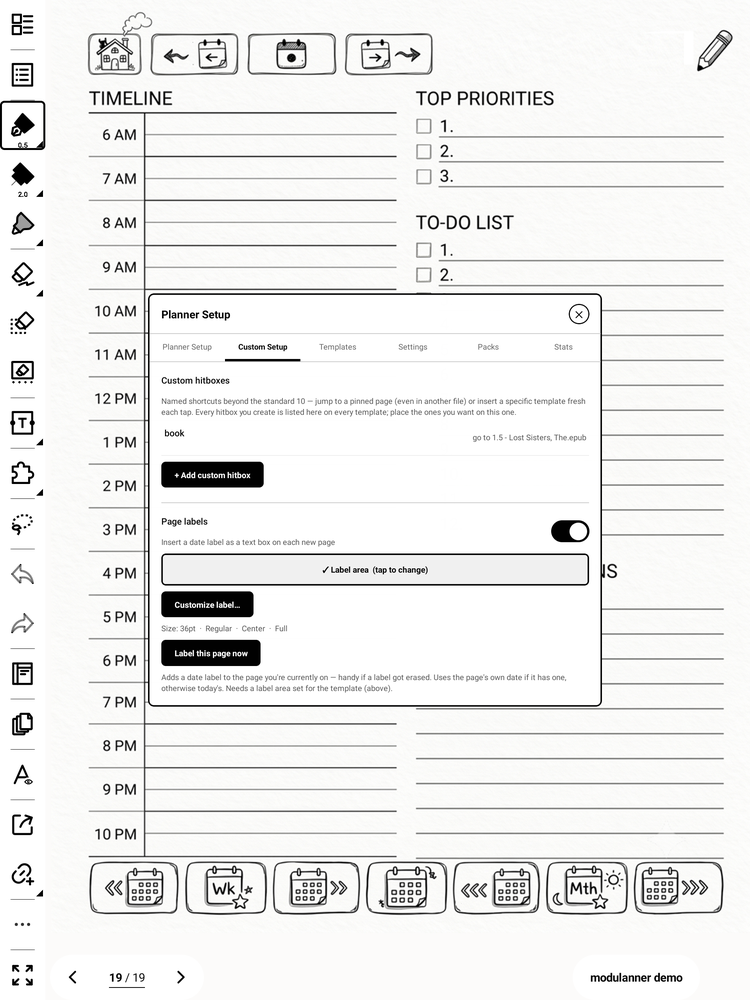
Named custom buttons that jump to a specific page or insert a fresh page from a template you choose.
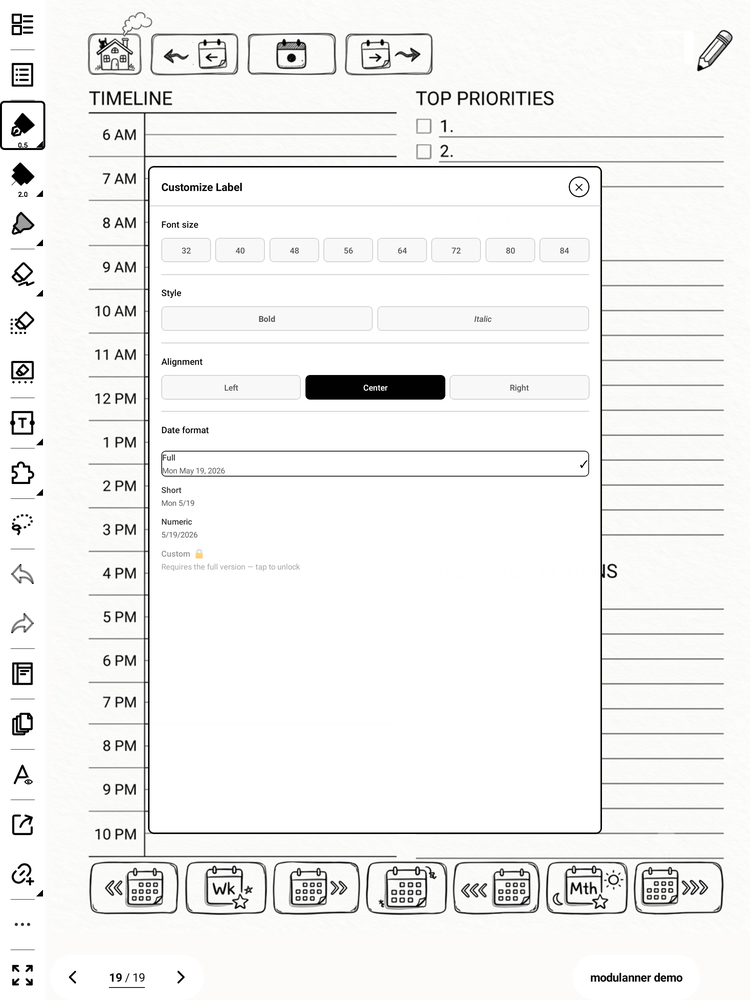
New pages get a dated label dropped on automatically, with a format, size and alignment you control.
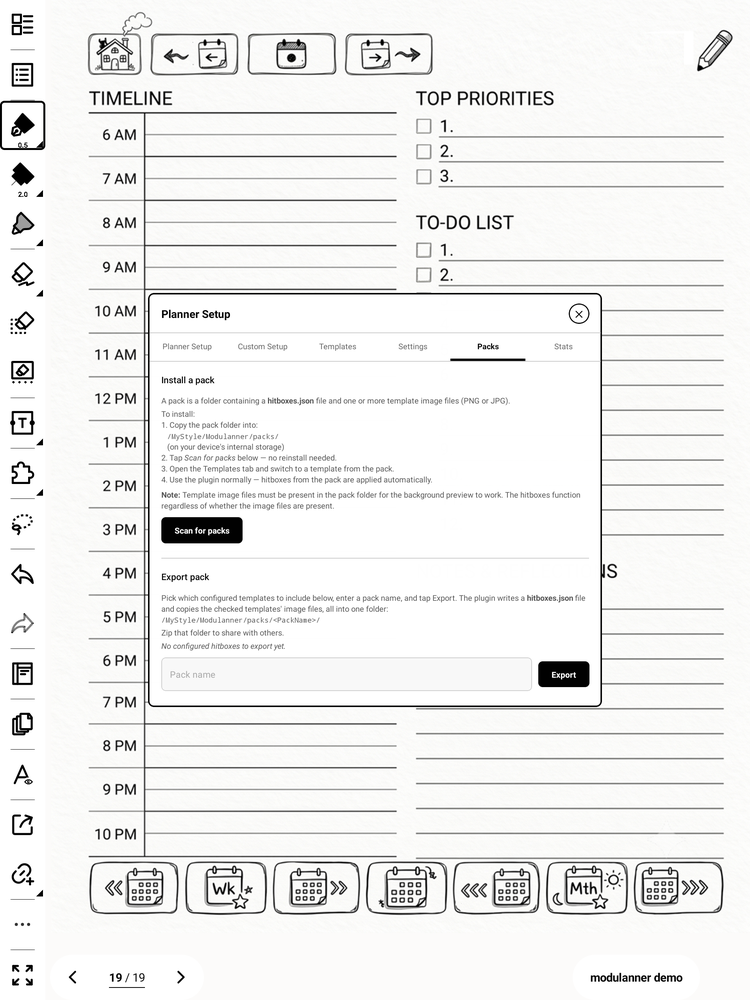
Ships with the hand-drawn Whimsy pack. Build and share your own.
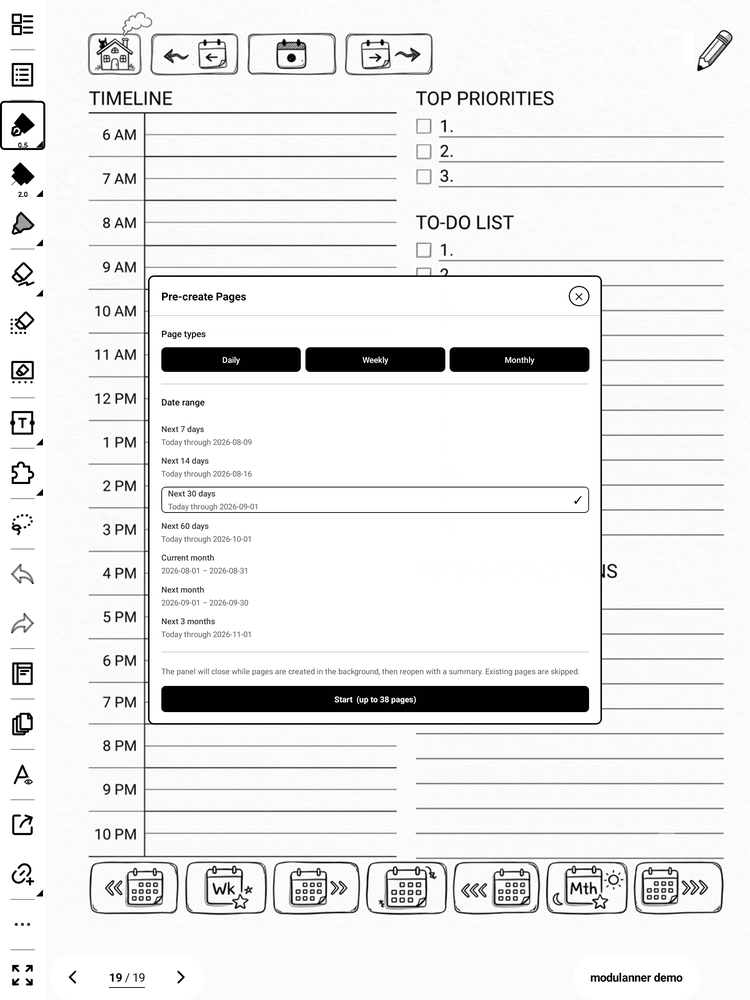
Generate a whole range of daily, weekly or monthly pages in one go.
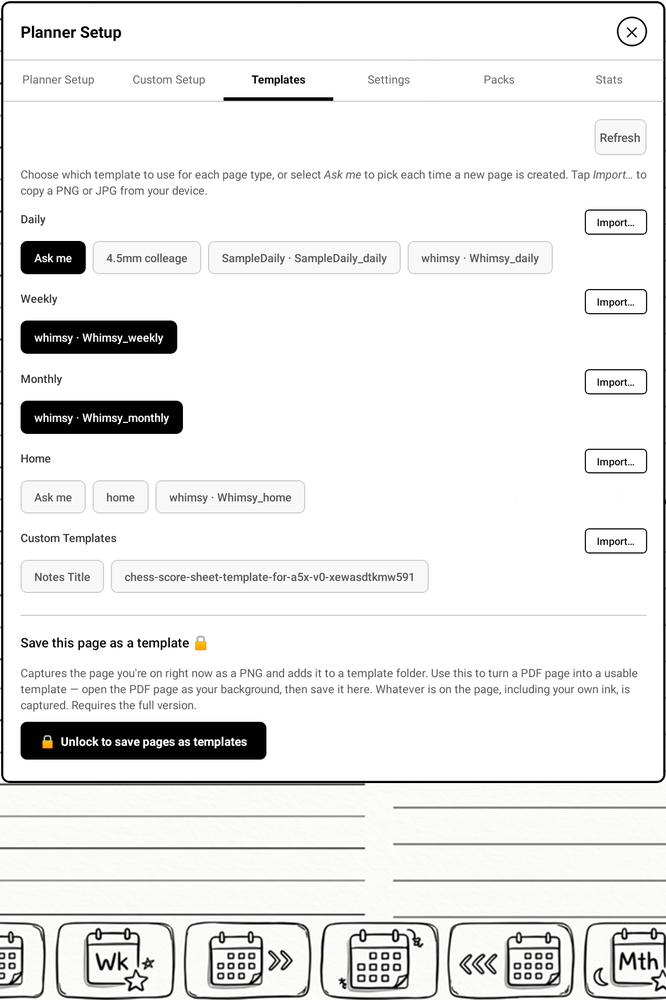
Choose which template each kind of page uses, and import new ones.
.note file, so backing it up is copying one file.
A refreshed user guide is in progress and will be posted here.
Review your items before proceeding to checkout.
We've received your payment and will be in touch by email with next steps. Reach out any time at [email protected] if you have questions.