What each hitbox zone does
HITBOXES TAB
These ten are included free. Each finds the right page, creates it if it does not exist yet, and takes you to it.
Before you map anything they all look like this, with no tick:
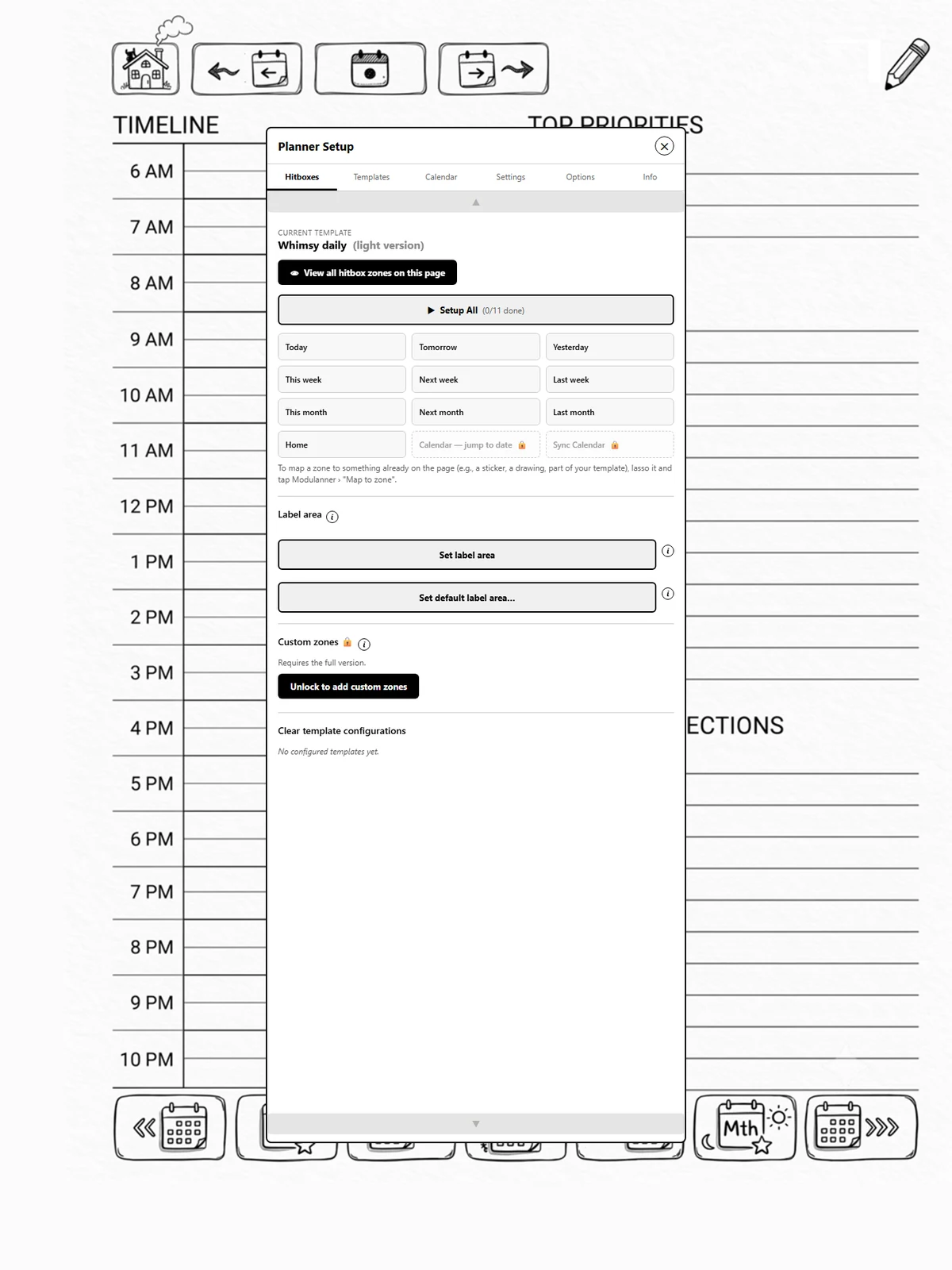
A tick means that zone has a region on this template:
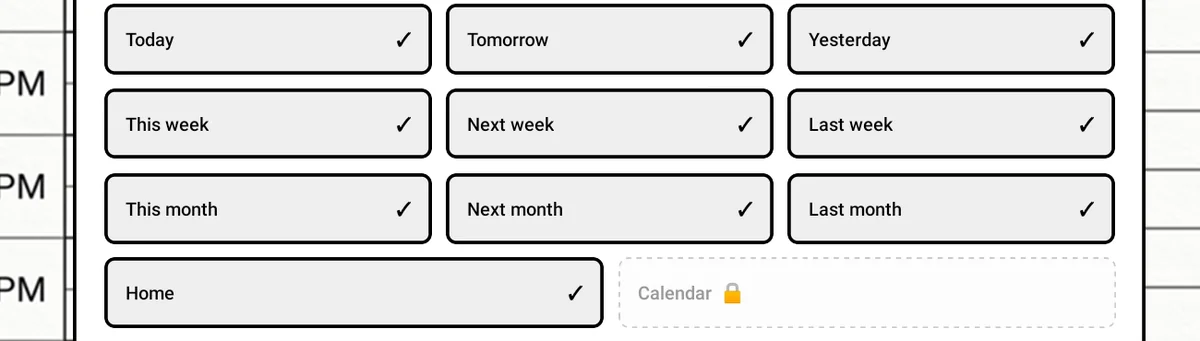
| Zone | Goes to |
|---|---|
| Today | Today's daily page |
| Tomorrow | The next day |
| Yesterday | The previous day |
| This week | The current week's page |
| Next week | The following week |
| Last week | The previous week |
| This month | The current month's page |
| Next month | The following month |
| Last month | The previous month |
| Home | Your home page |
Tip
"Next" and "Last" are relative to the page you're on, if you've set Date mode to Relative. See page 4.2 — it's the setting that changes these zones the most.