One custom zone, many templates
CUSTOM SETUP
This is the one idea in Modulanner worth reading twice.
A custom zone has two parts, and they're stored separately:
Sections
-
The definition — its name and what it does. This is shared. Every custom zone you create appears in the list on every template.
-
The placement — where it sits on the page. This is per template.
So: a zone you made while on your daily page also shows up in the list
when you're on your weekly page — marked "not on this template". It won't
respond to taps there until you place it. 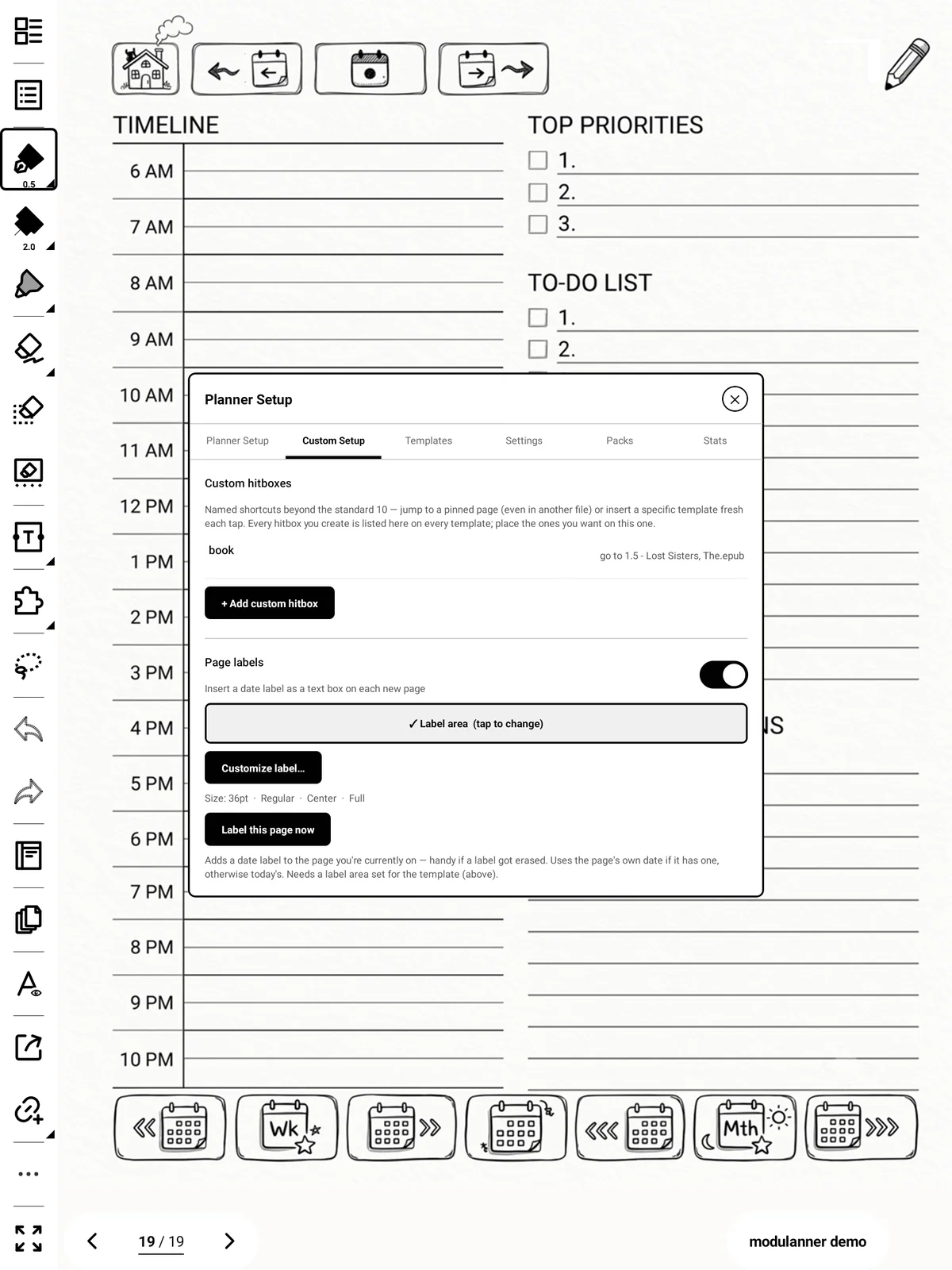
Why it works this way: you usually want the same shortcut in more than one place, and re-entering its name and target for each template would be tedious and easy to get wrong.
Tip
Renaming a zone, or changing where it points, never disturbs where it sits on any template.