Two different kinds of "remove"
CUSTOM SETUP
Because a zone's definition and its placement are separate (page 2.1), there are two ways to get rid of one.
Sections
-
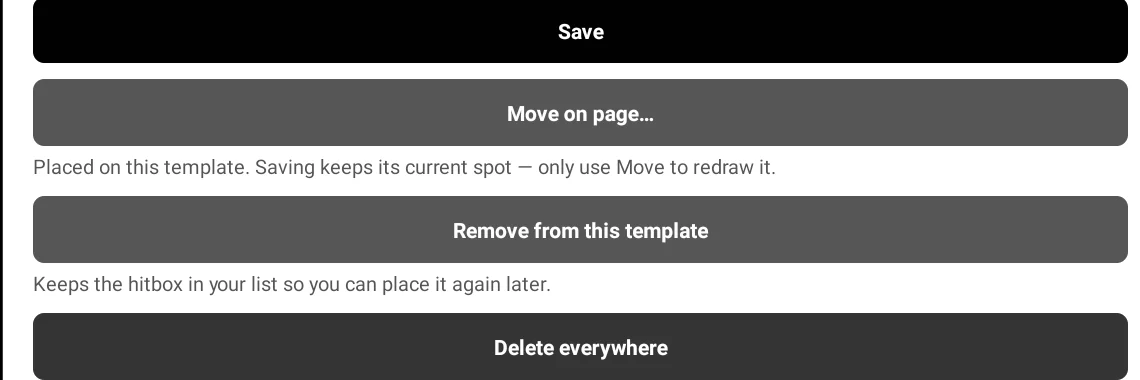
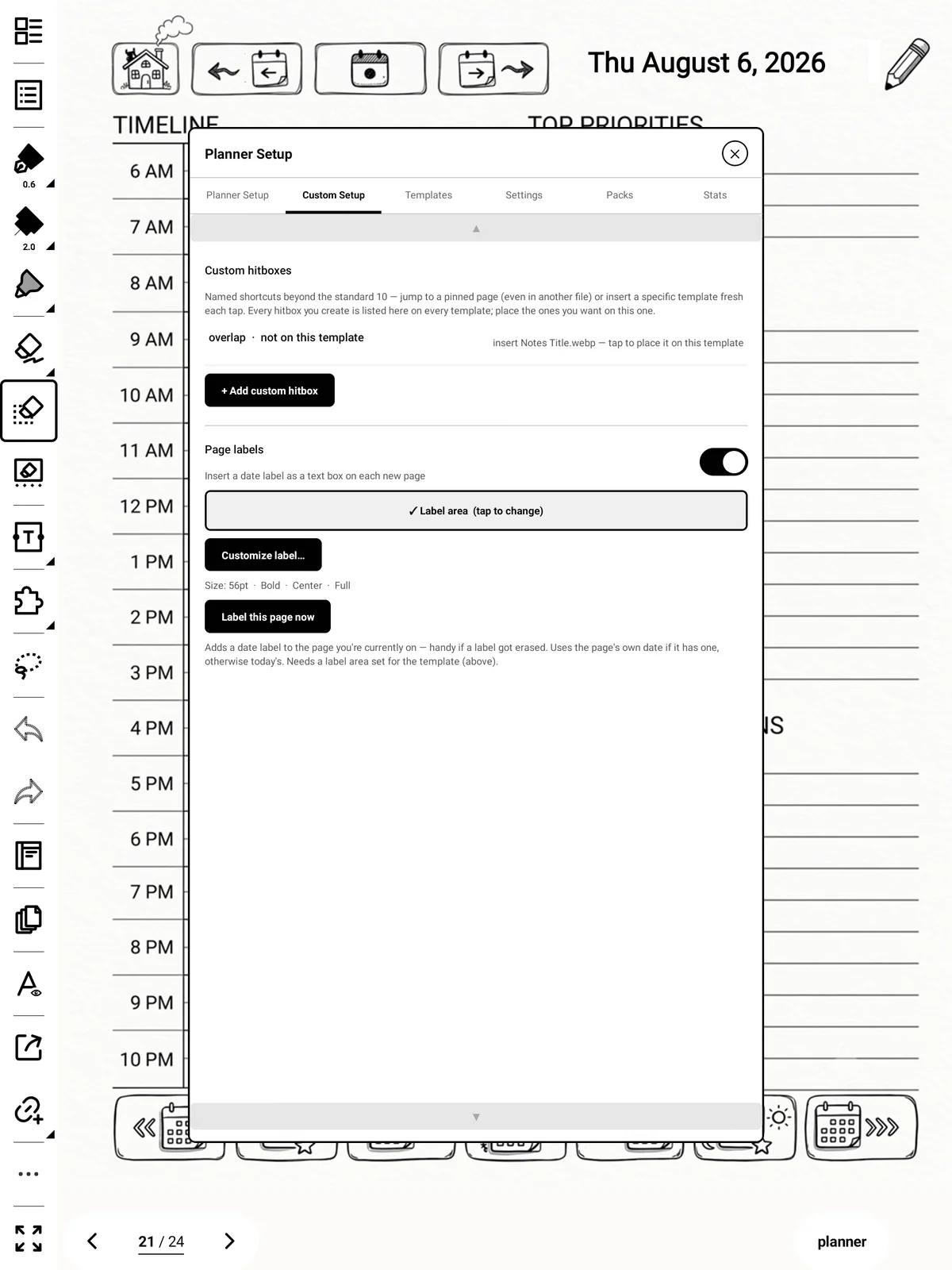
Remove from this template — takes the zone off the page you're on. It stays in your list, marked not on this template, and still works anywhere else you placed it. Use this most of the time.
-
Delete everywhere — removes the zone completely, from every template. There's no undo.
Tip
Place on page… and Move on page… are the same action; the wording changes depending on whether it's already placed here.