Map everything in one pass
PLANNER SETUP
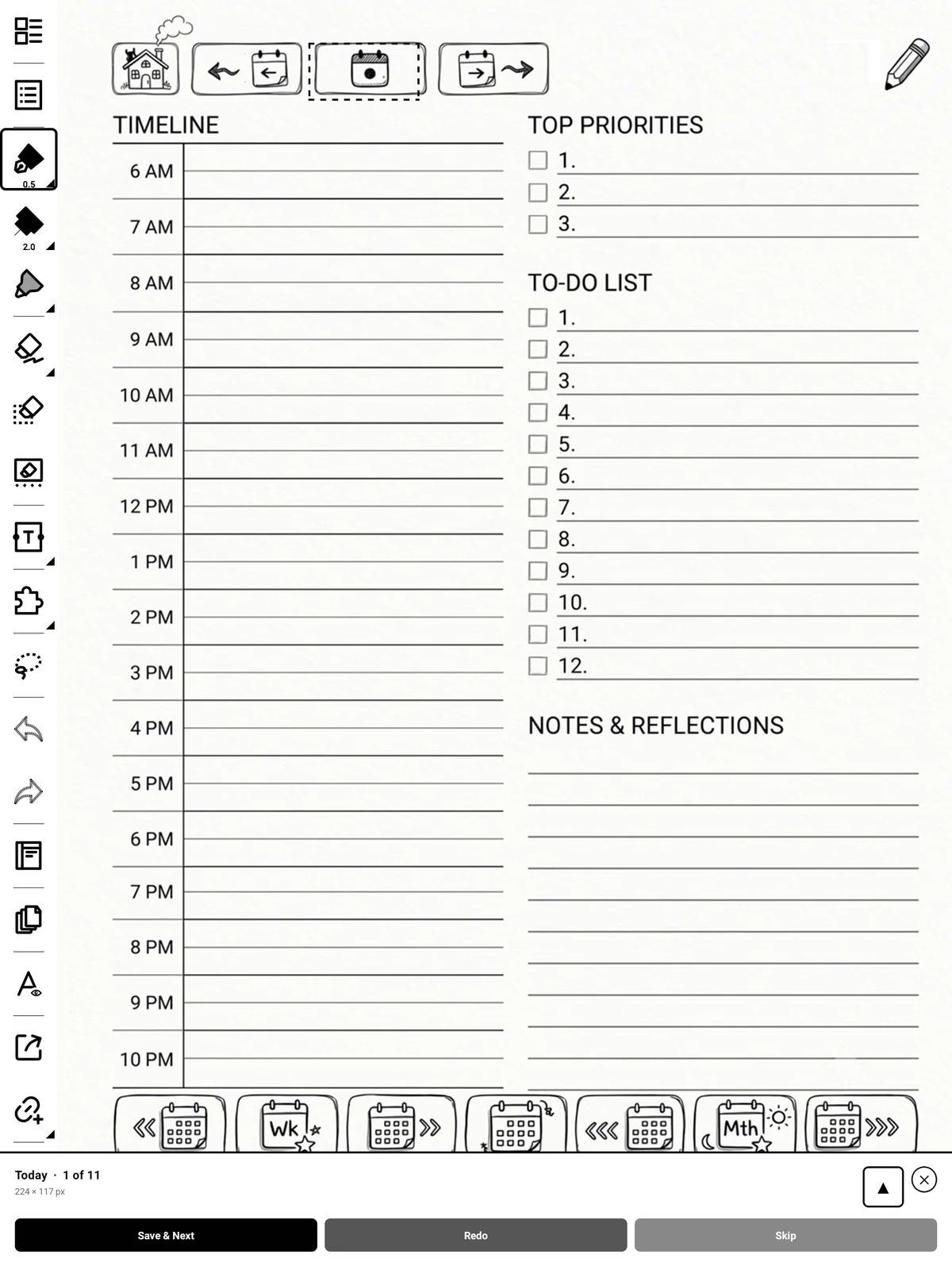
Setup All runs the same two-tap flow for every zone in turn, so you don't have to come back to the panel between each one.
Steps
-
Tap Setup All.
-
For each zone, tap its two corners and then Save & Next.
-
Anything you don't have artwork for, tap Skip.
Tip
The counter shows how many you've done. You can cancel partway through — everything you saved up to that point is kept.