Appointment tap rules (Beta)
CALENDAR TAB · FULL VERSION
Tap an appointment in a day grid's time slot and go to the right page for it: the running notes for a weekly meeting, or a page you have named.
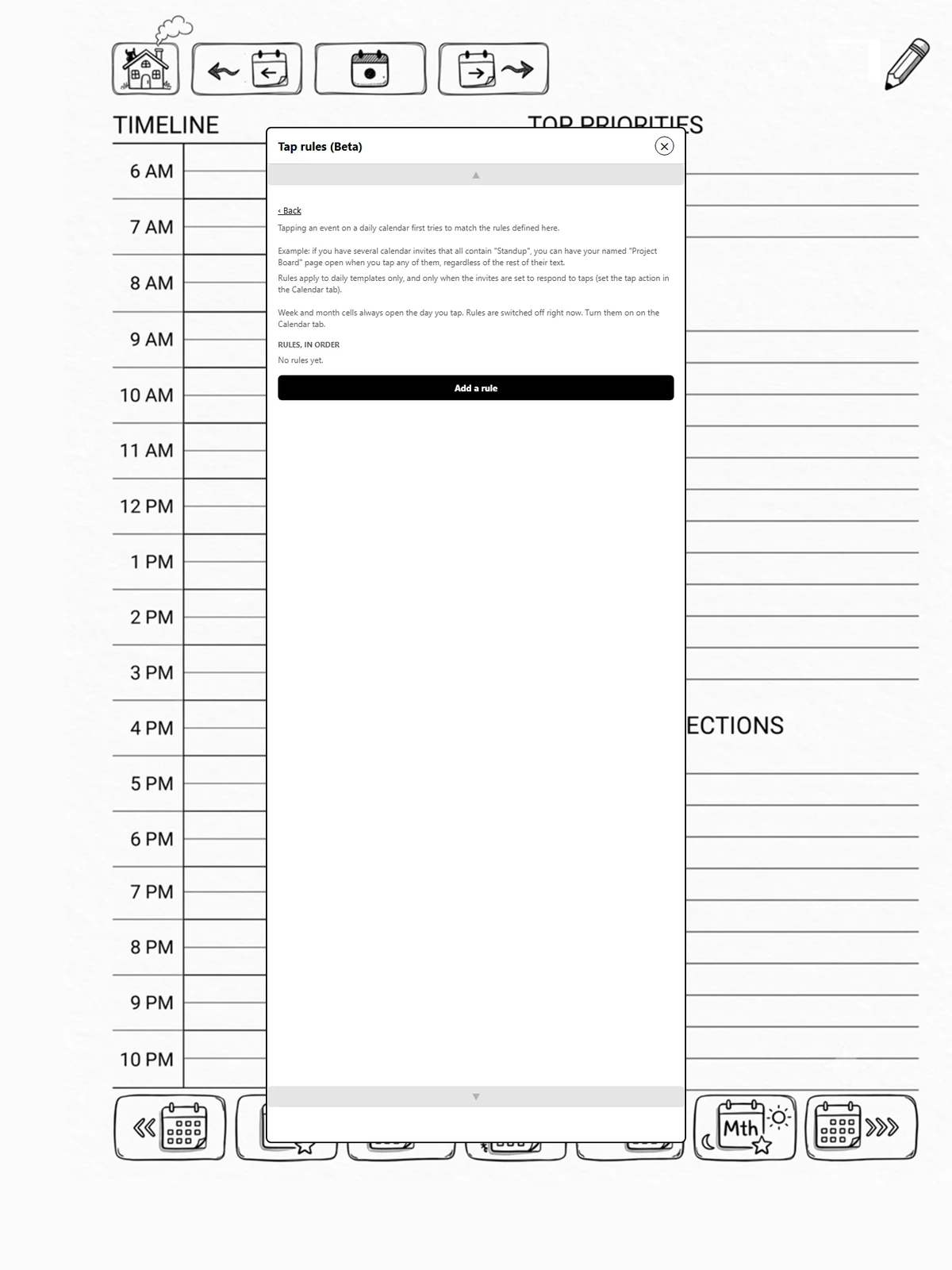
Before you start
Rules apply to day grids only, and only when the grid's slots respond to taps (page 8.5). A week or month cell is a whole day, so tapping one always opens that day.
Adding a rule
- Calendar, switch on Appointment tap rules, then Edit rules.
- Add a rule.
- When the appointment name contains: part of the name, such as "Boss 1:1". Leave it empty to match any appointment.
- On these days: pick days to limit it, or none for any day.
- Choose what it does:
- Open a named page: opens that page wherever it is (page 6.3).
- Open the meeting's note: the first tap makes a page for that meeting from a template you choose, headed with its name. Every later tap on the same recurring meeting opens that page, so its notes build up in one place.
- Save rule.
Order matters
When you tap, the first rule that matches decides what happens. Move a rule up or down with the arrows. An appointment no rule matches does what the grid's own tap action says.
Two appointments in one slot
Modulanner asks which one you meant.