Turn the page you're on into a template
TEMPLATES
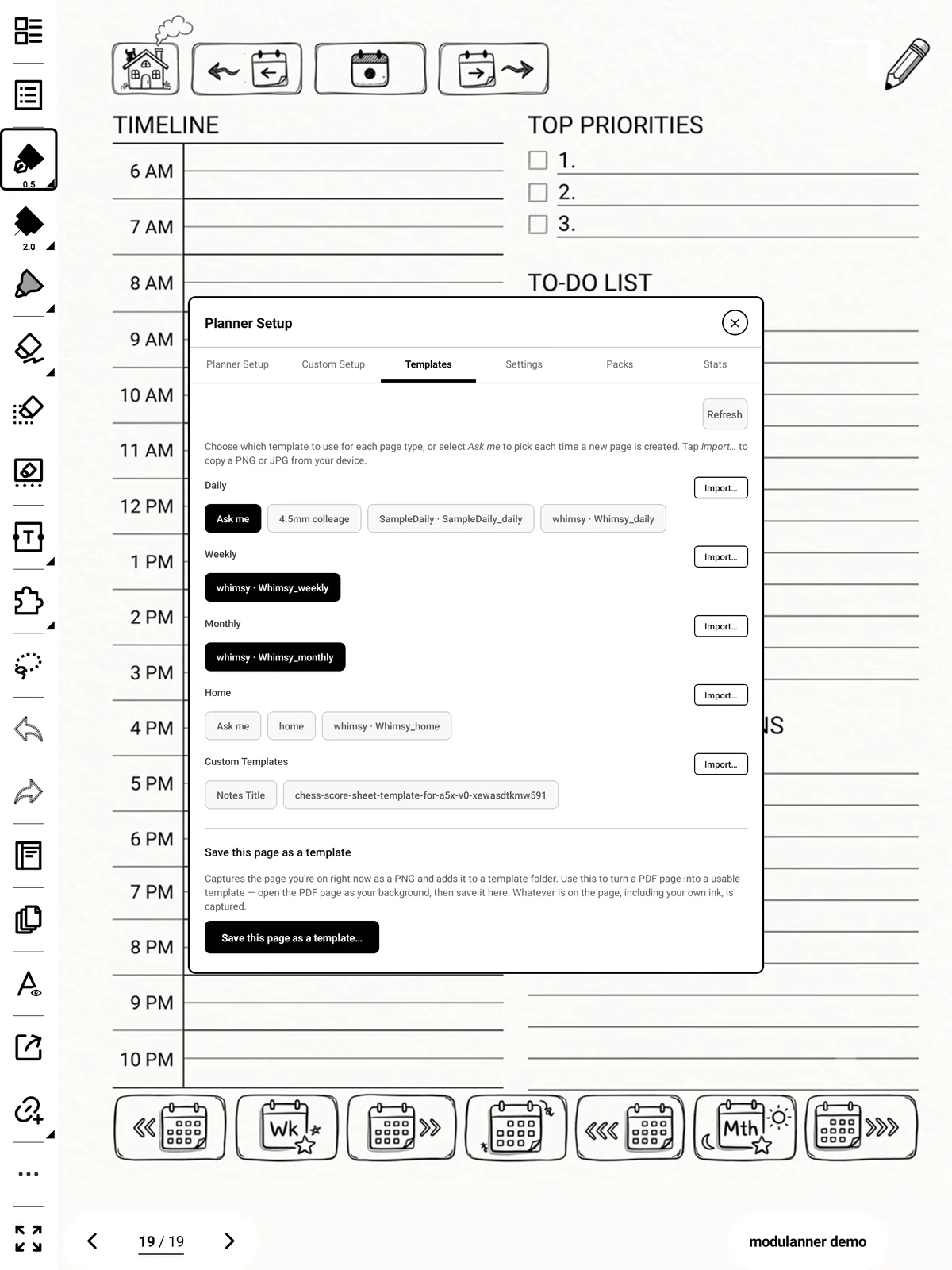
Whatever is on screen right now can become a template.
Steps
-
Go to the page you want to capture.
-
Templates → Save this page as a template…
-
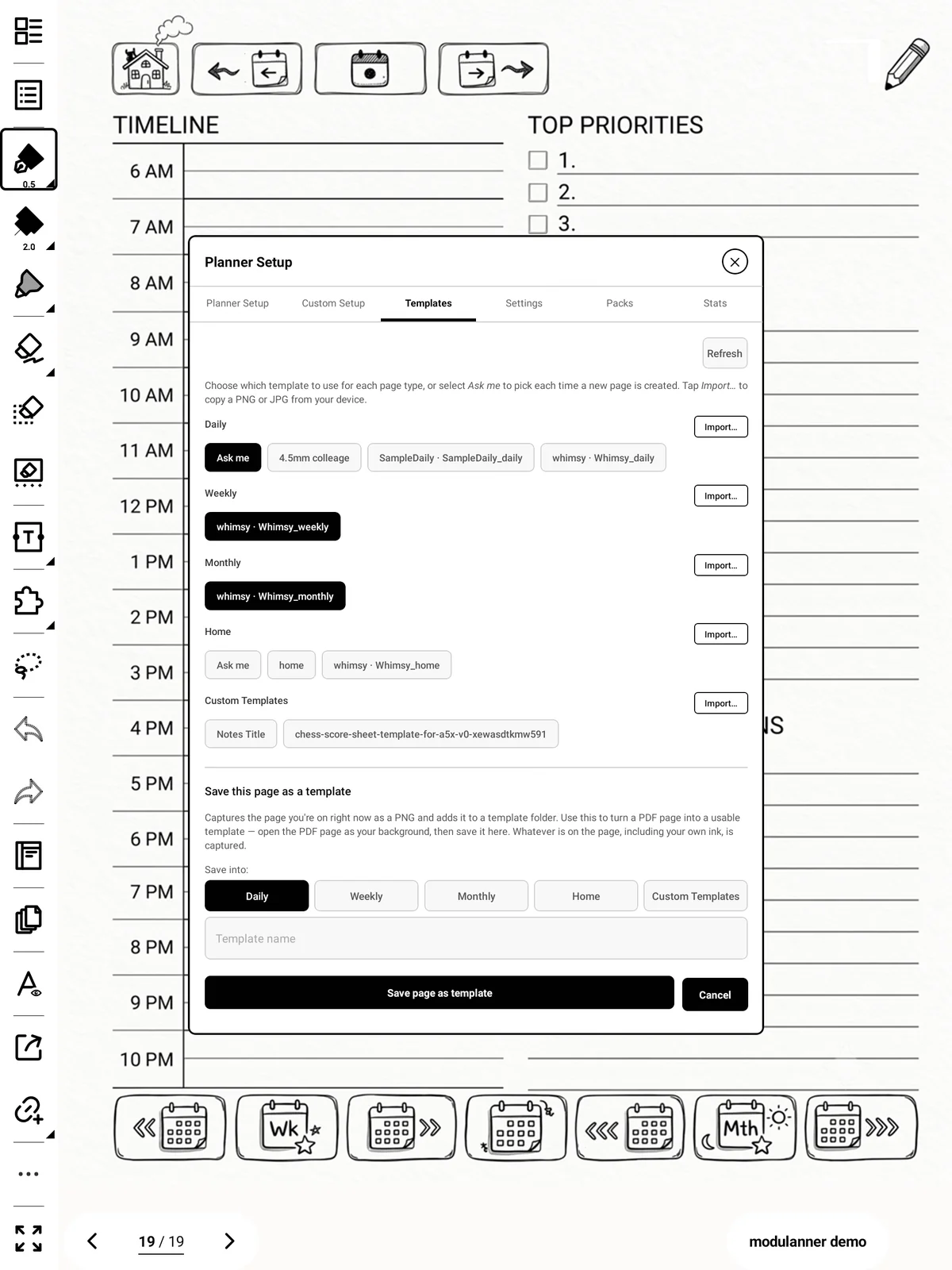
Choose which family it belongs to and give it a name.
-
Tap Save page as template.
[S-59]
Important: This captures the page exactly as it appears, including anything you've written on it. If you only want the background, use a clean page.
Sections
-
Name already used? You'll be told, and can tap again to replace it.
-
Home has a fixed filename, so saving to Home always replaces the existing home template.