Add a template without leaving the editor
CUSTOM SETUP
If the template you want isn't in the list yet, you can bring it in from here.
Steps
-
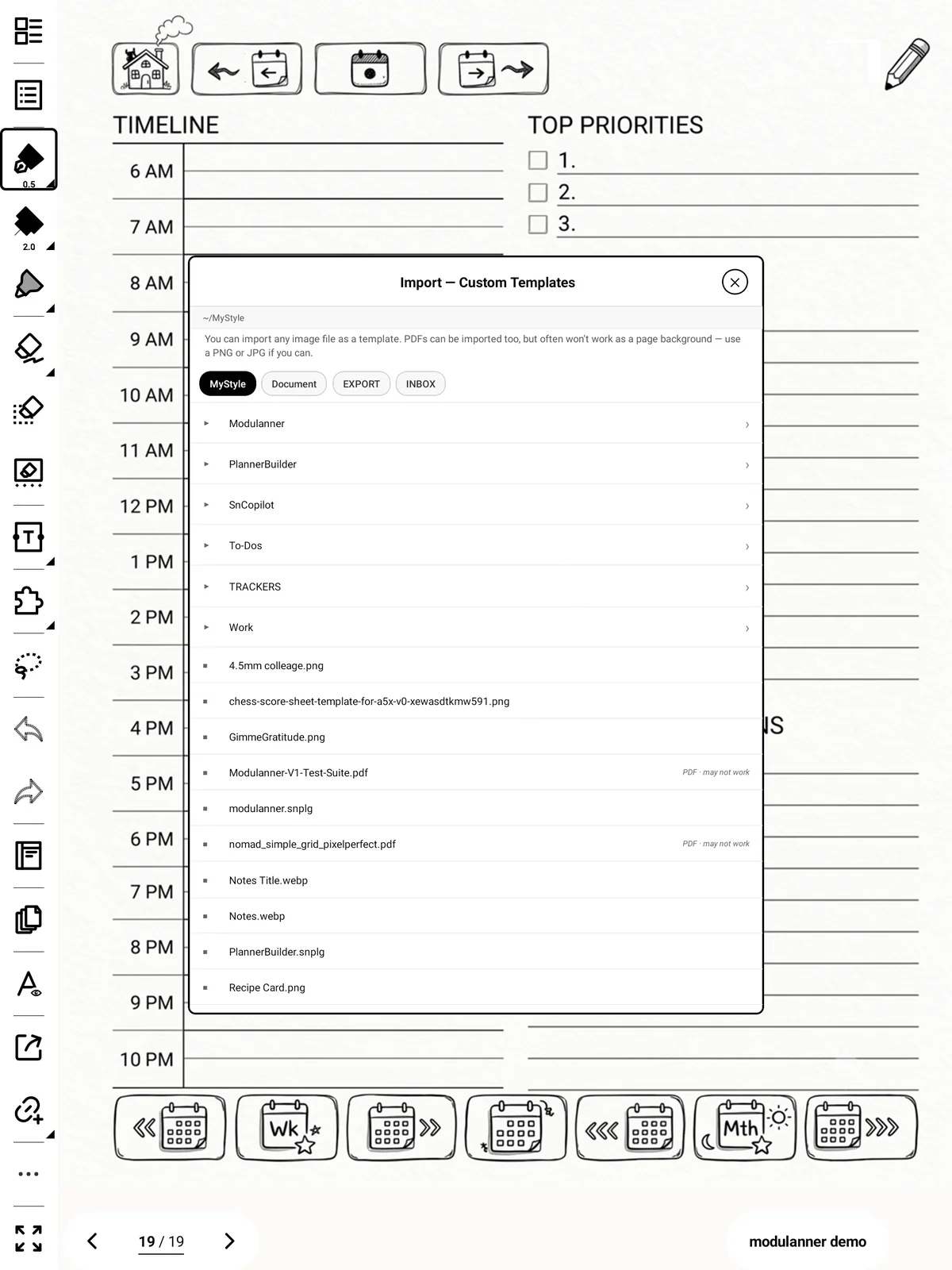
In the zone editor, tap + Import a template…

-
Browse to the image and pick it.
-
You're returned to the editor with it already selected.
Note: This only sets the template for this zone. It doesn't change which template new daily or weekly pages use — that's the Templates tab.