Settings: how Modulanner behaves
SETTINGS TAB
Settings holds what is always in effect. Things you switch on or off are on the Options tab (page 4.0b).
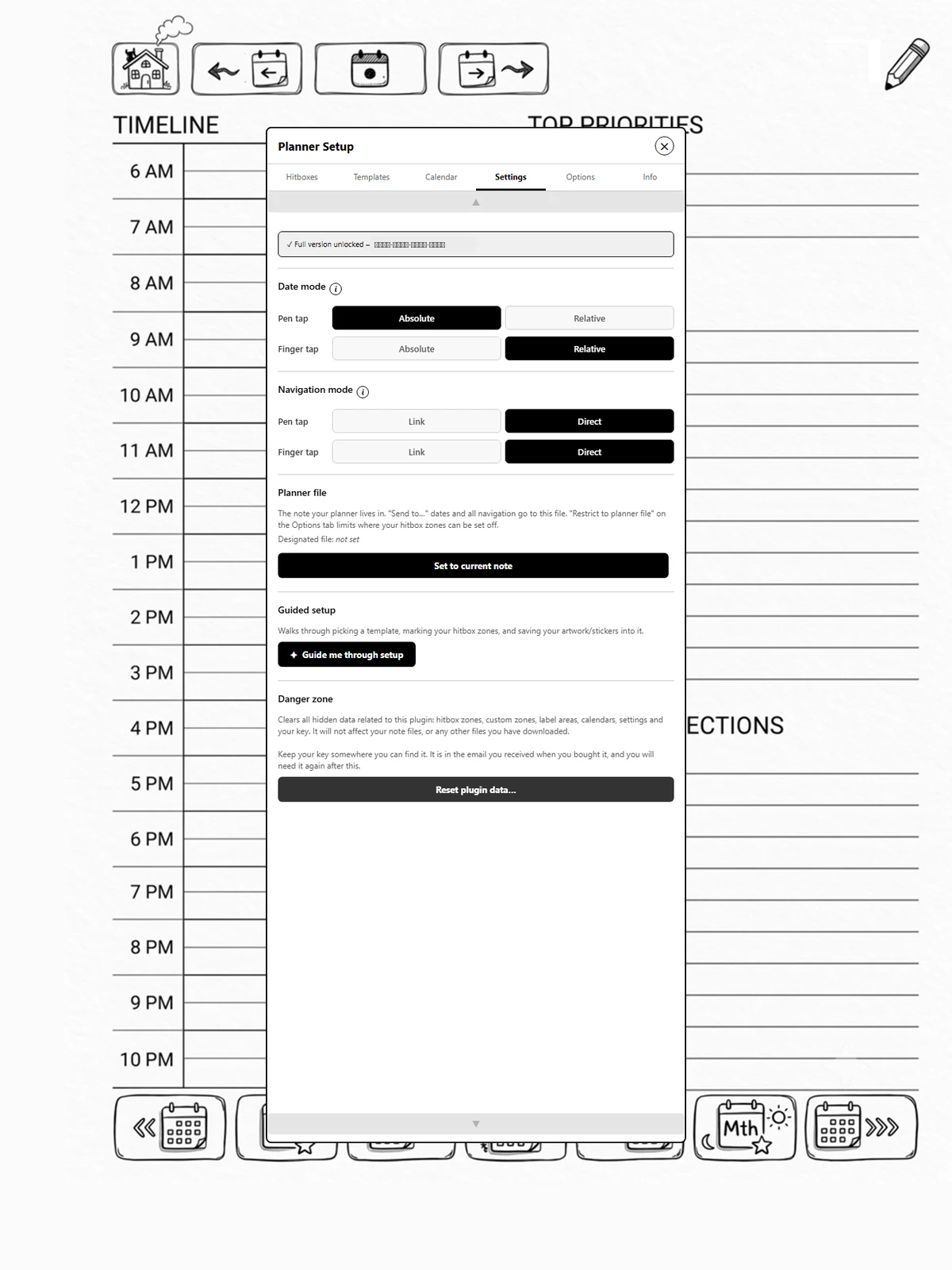
Sections
-
Full version: your key, or where to enter one (page 4.1).
-
Date mode: absolute or relative, for pen and finger separately (page 4.2).
-
Navigation mode: direct jump or a link to tap, for pen and finger separately.
-
Planner file: which note your planner lives in. Send to… dates and the Today toolbar button go there, and Restrict to planner file on Options limits your zones to it (page 1.10).
-
Guided setup: run the walkthrough again (page 1.0a).
-
Danger zone: clear everything the plugin has stored (page 4.8).
Diagnostics and contact details are on the Info tab (Part 6). Clearing a single template's zones is at the bottom of the Hitboxes tab (page 4.6).