Dates written on new pages
OPTIONS TAB
Modulanner can write the date onto each page it creates, so a daily page says which day it is.
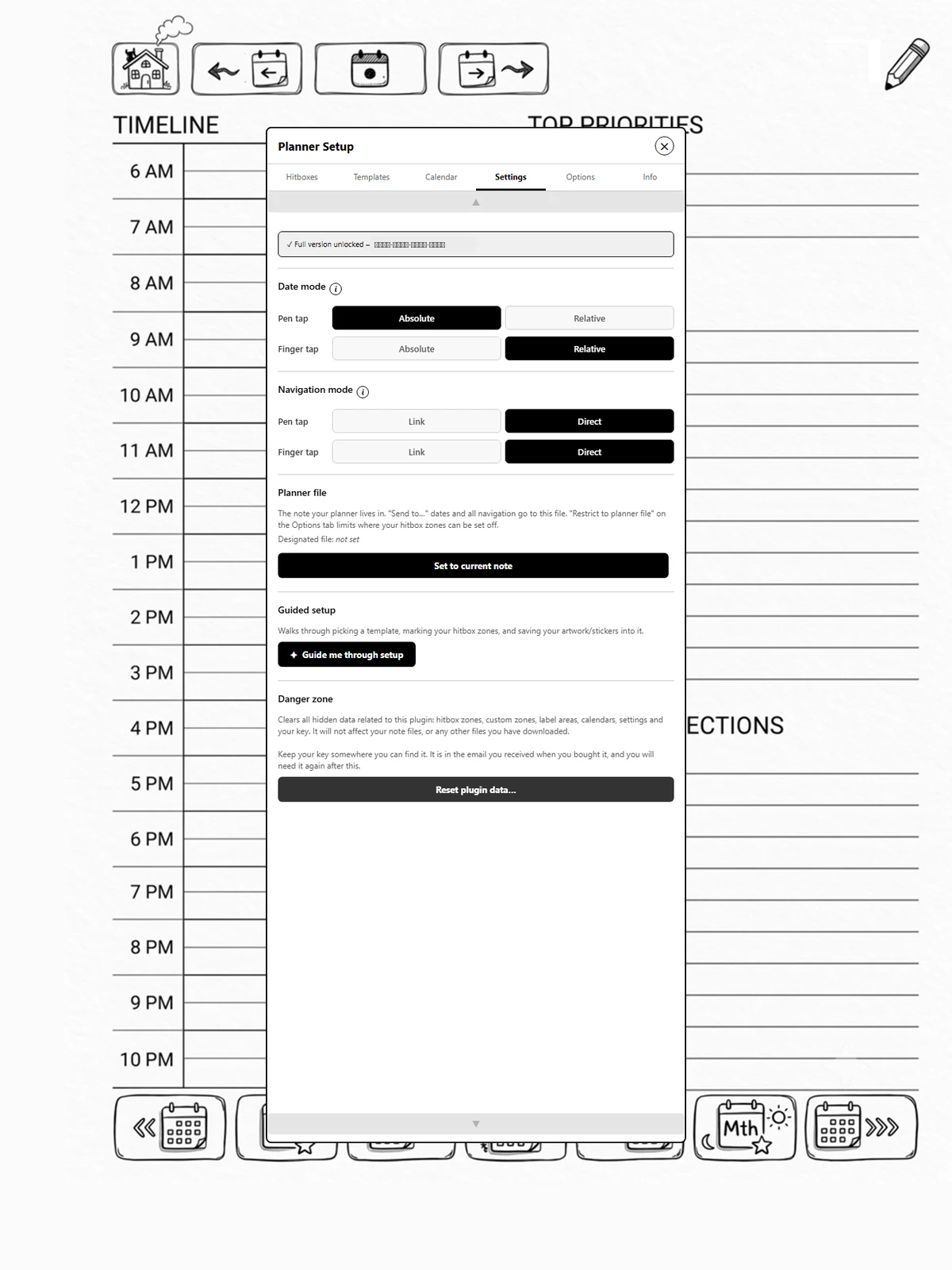
The switch and the format live on the Settings tab. Where the label goes is set per template on the Hitboxes tab, because each template has its own artwork and its own spot for a date.
Steps
-
On Options, turn on Page labels.
-
On Hitboxes, tap Label area and mark the rectangle, the same two-tap flow as a zone. Set default label area uses a sensible spot near the top of the page instead.
-
Back on Settings, tap Customize label to choose a format.

Sections
-
Full: Thursday, 31 July 2026
-
Short: Thu 31 Jul
-
Numeric: 2026-07-31
-
Custom: build your own; see page 2.8. (full version)
Tip
Label this page now (on Options) writes a label onto the page you are on. Handy if one got erased. Tapping it again replaces the label rather than stacking a second one.