Put your calendar on paper
CALENDAR
Subscribe to the calendar you already use, and Modulanner writes the day's appointments onto your planner pages.
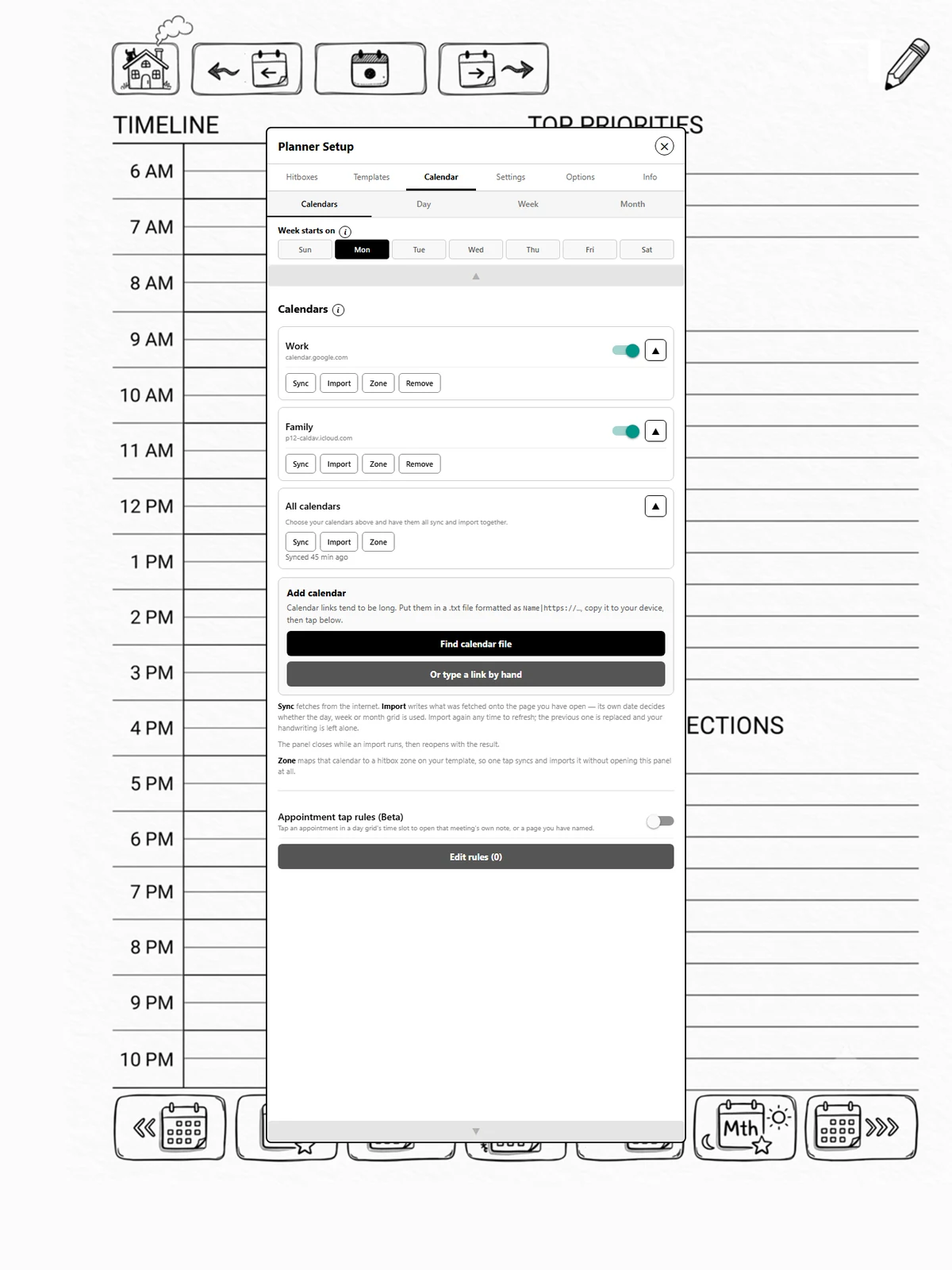
The Calendar tab has four pages: Calendars for your subscriptions and the sync and import buttons, then Day, Week and Month for the grids on each kind of template.
What it does
- Reads Google, Outlook, iCloud or any calendar that publishes an iCal link.
- Writes appointments into time slots you mark out on your own template.
- Fills in the dates on a blank week or month grid, so one printed template works for every month.
What it does not do
It never changes your calendar. The connection is read-only in both directions that matter: appointments come onto the page, and nothing you write on paper goes back. Modulanner stamps appointments onto paper — it is not a calendar editor.
There is no account login. You paste a private subscription link, which is the same thing a second calendar app would use.
Full version
Calendar sync is part of the full version. The Calendars tab will show you what it does either way, but syncing and importing need a key.