Adding a pack
PACKS
Steps
-
Copy the pack folder into
/MyStyle/Modulanner/packs/.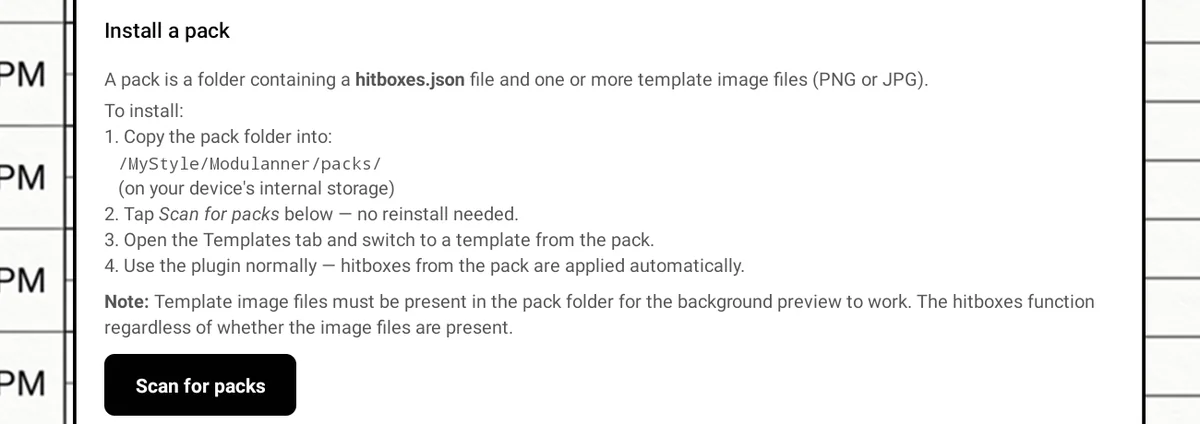
-
Restart the device, so Modulanner looks for new packs when it starts. (Before 1.2 this was Packs → Scan for packs; that tab is hidden now.)
-
Open Templates and select one of the pack's templates.
Tip
No reinstall needed — the pack is found when Modulanner next starts.
Note: The first time you open Modulanner, it asks permission to read and write your files — choose Always allow so you're not asked every time. Packs are read after that permission is granted, so they show up from then on.