The floating button
OPTIONS TAB
A small round button that floats over your page, with the Modulanner calendar on it. Drag it anywhere. Press and hold it to open the panel.
Turn it on from Options, Floating button. It appears when you close the
panel. 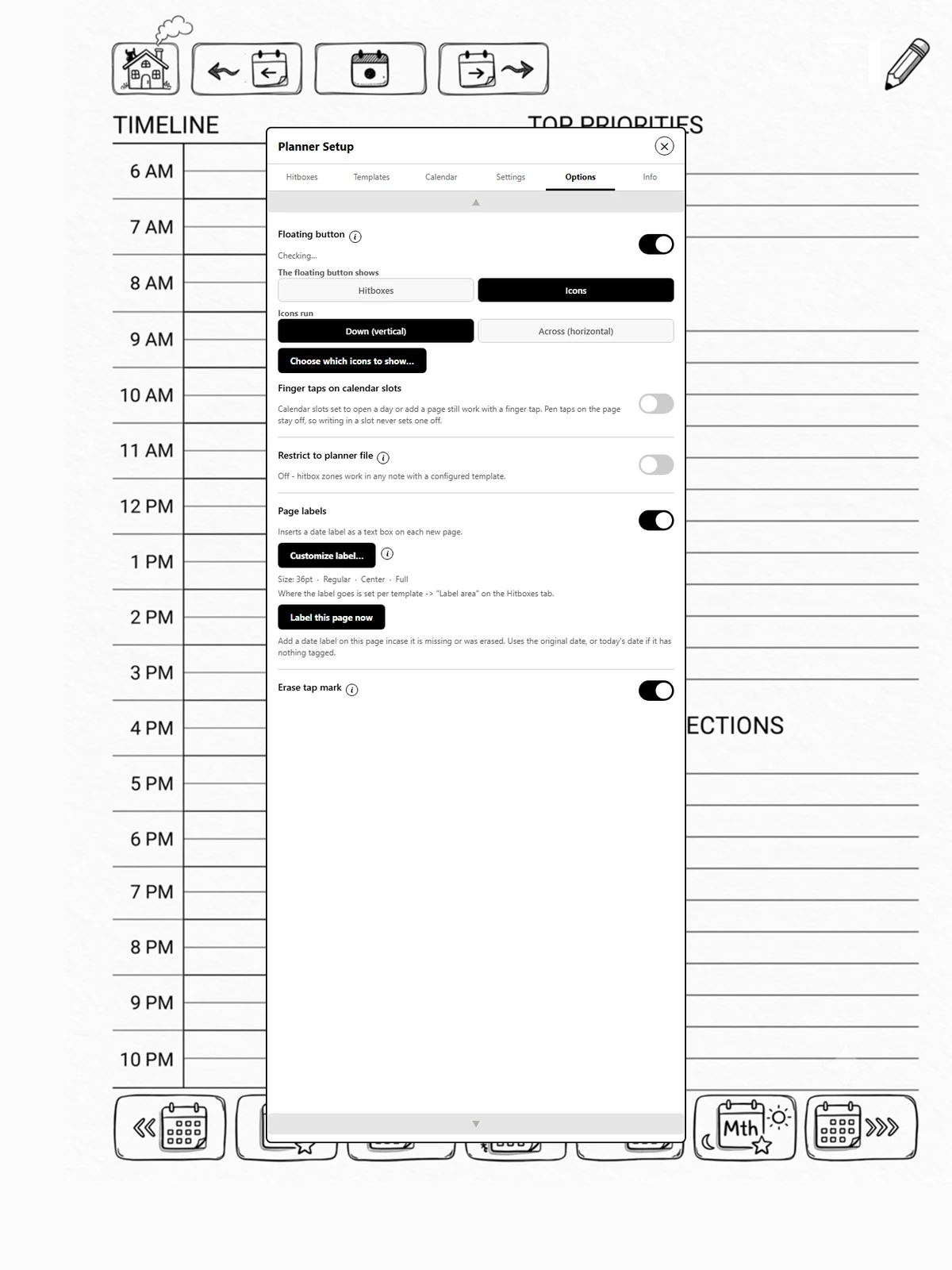
Two ways to use it
| The floating button shows | Tapping it | Buttons on your page |
|---|---|---|
| Icons | opens or closes a strip of icons (page 1b.1) | switched off: the icons do the navigating, so you can write anywhere |
| Hitboxes | shows your zones as labelled dashed boxes and switches them on, or hides them and switches them off | work only while switched on |
With the floating button off, your page buttons always work, as they did before it existed.
Which should I choose?
Icons needs no setup on your pages and works on any template, even a plain one. Hitboxes suits a template with its own artwork for each zone: the dashed boxes show where they are, and switching them off lets you write right over them.
When you will not see it
The button hides while it has nothing to do (page 1b.3): over NOTE's menus, the page overview, Files, Settings and other apps, while the panel is open, and with the device turned sideways.