The grid walkthrough
CALENDAR TAB
Laying out time slots is the fiddliest part of setting up the calendar, so there is a walkthrough for it. Open it from the top of the Calendar tab.
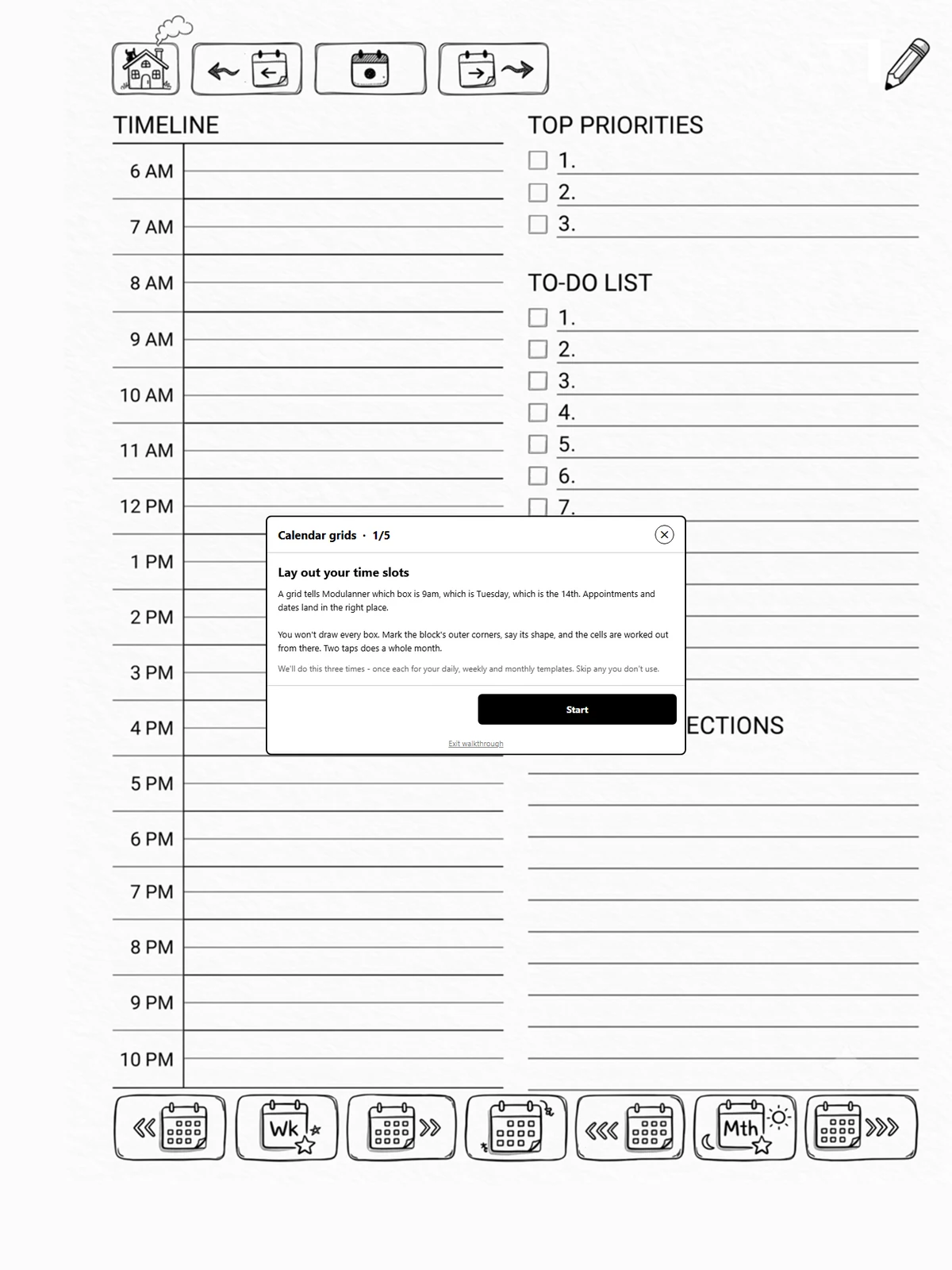
How it goes
One step per kind of grid: day, week, month. Each step asks you to open a page that uses that family's template, then hands you the same two-corner placement the Calendar tab uses (page 8.2).
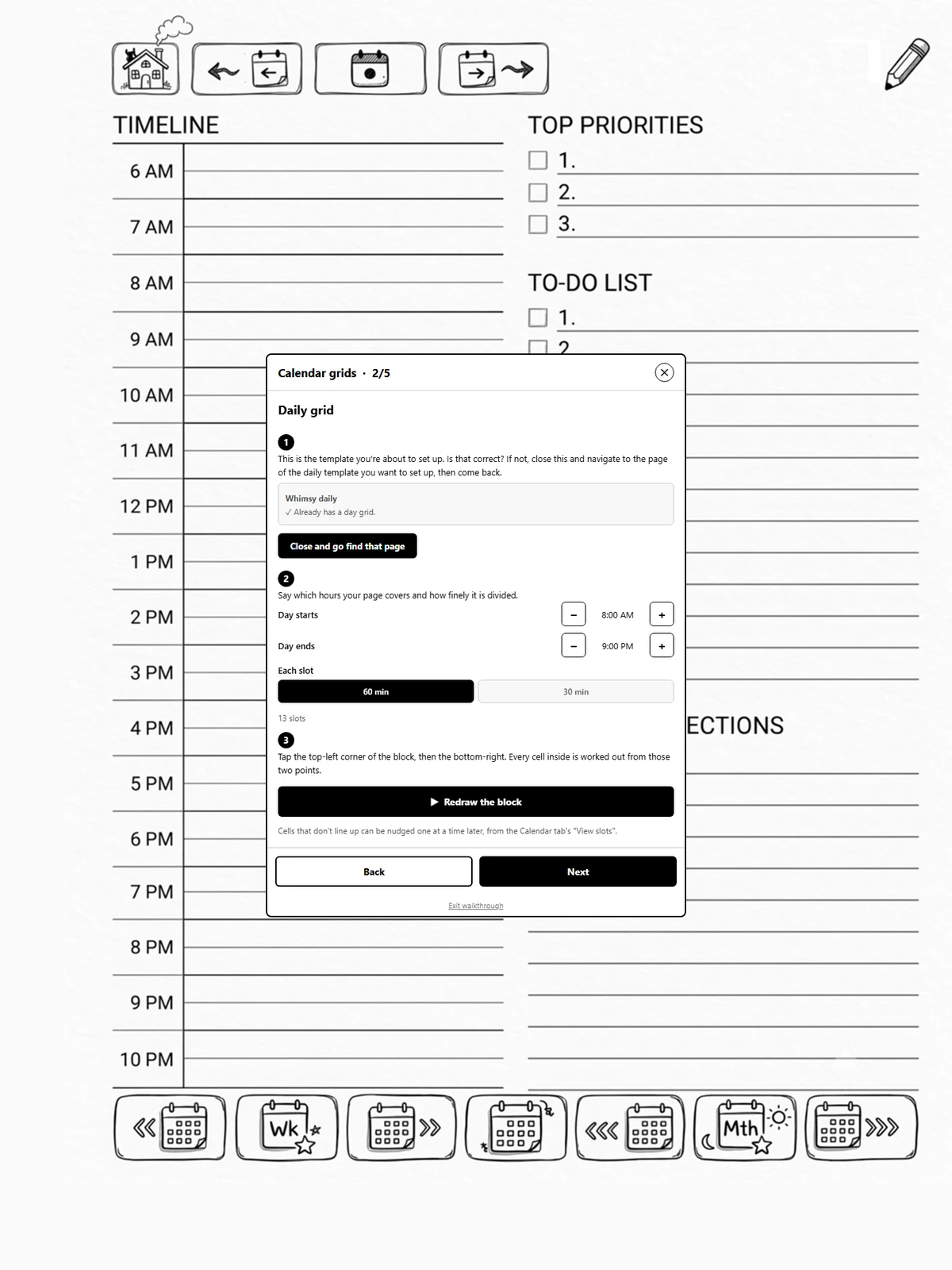
Every step can be skipped. Plenty of planners want a month grid and nothing else.
Closing the panel keeps your place
Each step needs you to go and find a page, so leaving the panel is part of the flow, not the end of it. Tap Close and go find that page, open the right page, and reopen the panel: you are back on the same step. Exit walkthrough is the way to abandon it.