The Modulanner lasso button
LASSO TOOLS
These do not live in the Modulanner panel. Lasso something in your note, and
the note app's lasso menu has a Modulanner button. Tap it for all of
Modulanner's lasso actions in one place. 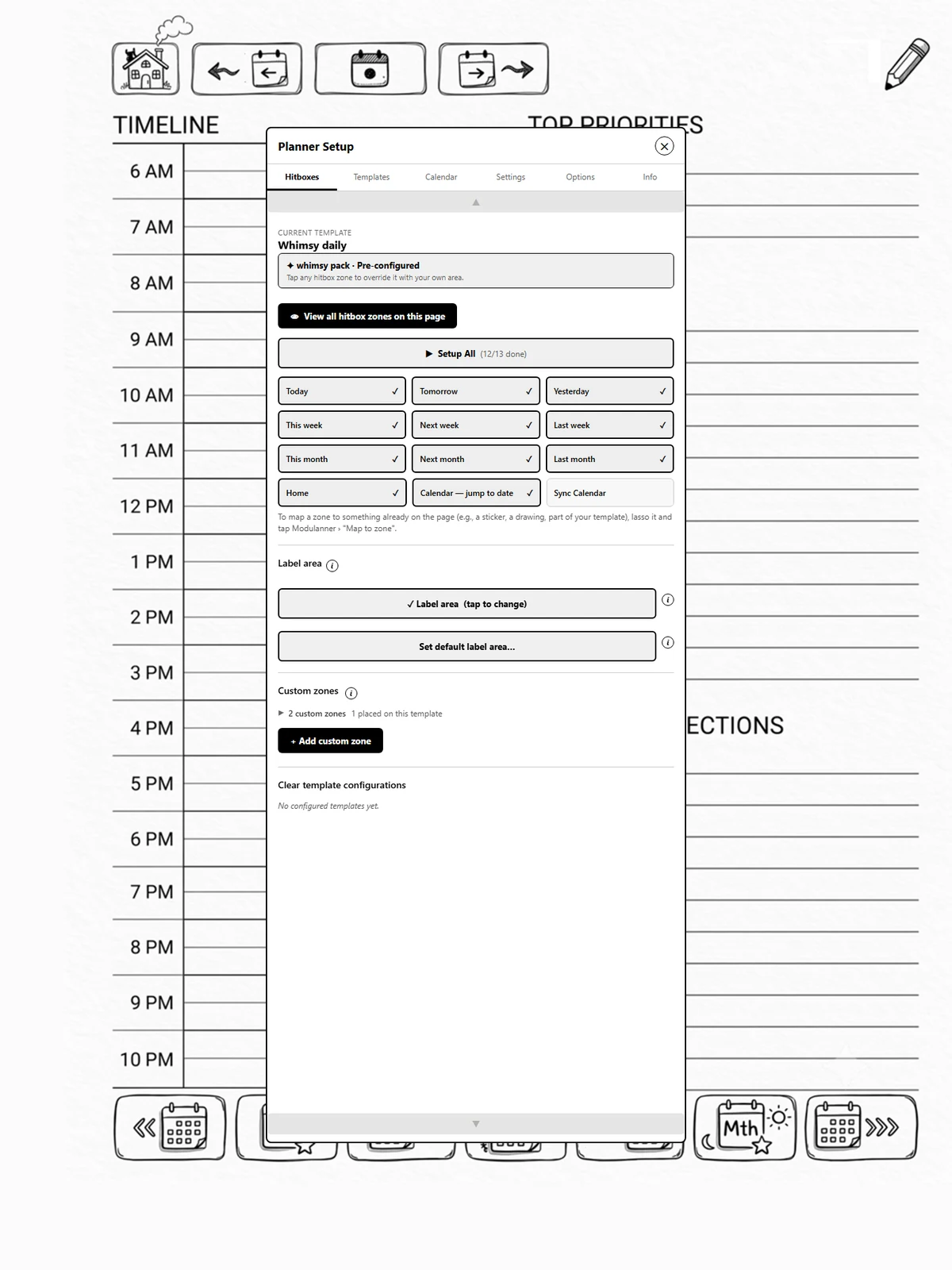
The actions
-
Send to…: copy the selection to a date or another page, with a link both ways (page 7.1). (full version)
-
Map to zone: make the lassoed artwork the tap area for a hitbox zone (page 1.11).
-
Use as zone icon: use a drawing as a custom zone's icon on the floating strip (page 1b.2). (full version)
-
Save as custom zone: turn a lassoed link into a custom zone (page 7.2).
One tap away
The switch beside each action, under In lasso menu, also gives it a button of its own in the lasso menu, so the ones you use most are one tap away. They are all off to start with, because the lasso menu is shared with every other plugin you have.
A greyed-out button
The note app greys out a lasso button that cannot use what you selected: Save as custom zone needs a link in the selection. It cannot be hidden, only greyed out.