Named pages
INFO TAB
Give a page a name, such as "Kanban" or "Inbox", and you can send things to it with Send to… (page 7.1) or open it from a tap rule (page 8.7), without knowing its page number.
The top of the Info tab shows the name of the page you are on, or Not
named. 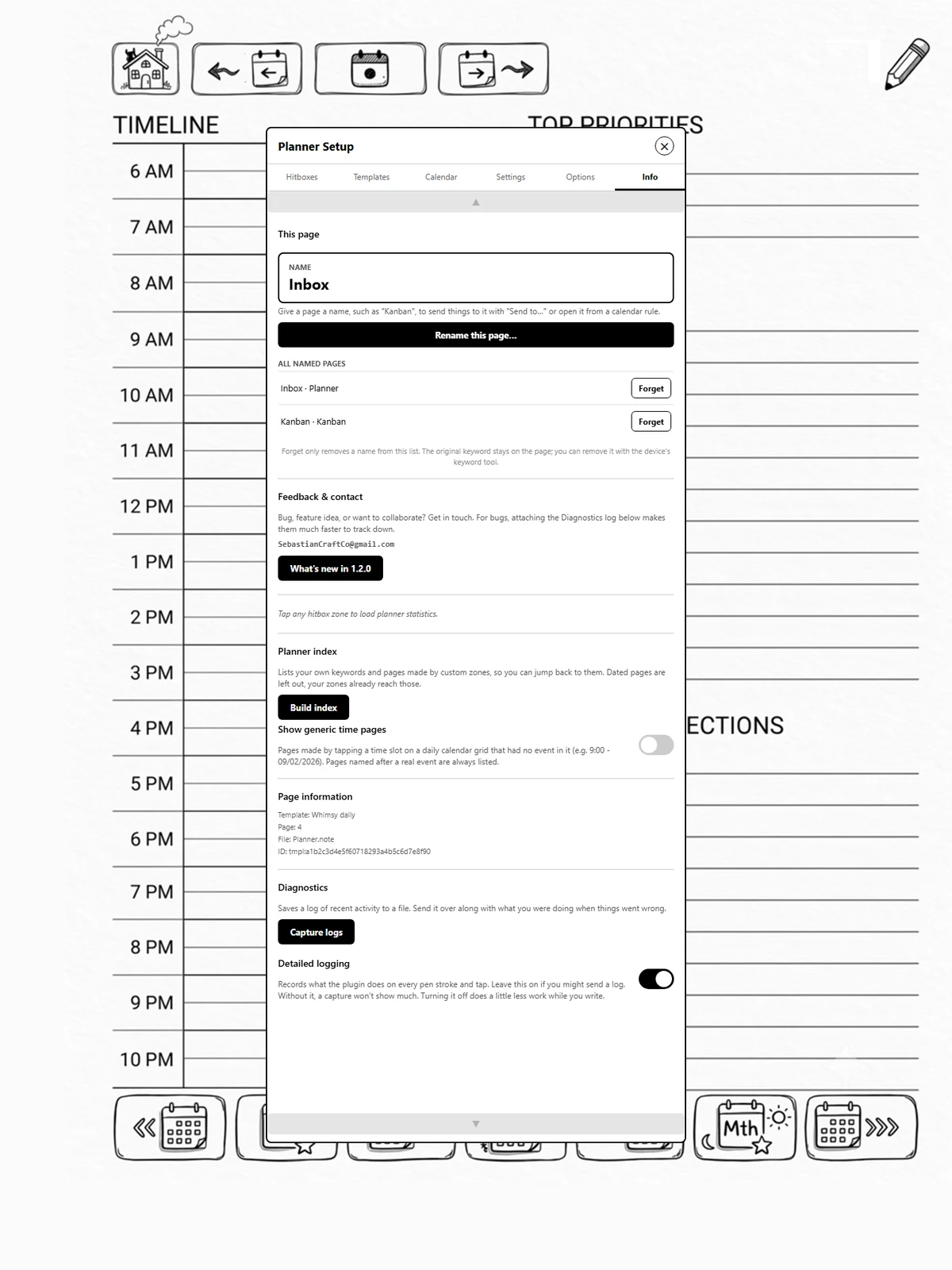
Naming a page
- Go to the page and open the panel.
- Info, Name this page…
- Type the name and save.
Good to know
- Reordering is fine. The name is saved on the page itself, as a keyword, so it still finds the page after you move pages around. It also shows up in the device's own keyword search.
- One page per name, in each note. Naming a second page the same moves the name to it.
- Renaming replaces the page's old name.
- Forget, under All named pages, takes a name off Modulanner's lists. The keyword stays on the page; remove it with the device's keyword tool if you want.