Two settings worth checking early
PLANNER SETUP
Sections
-
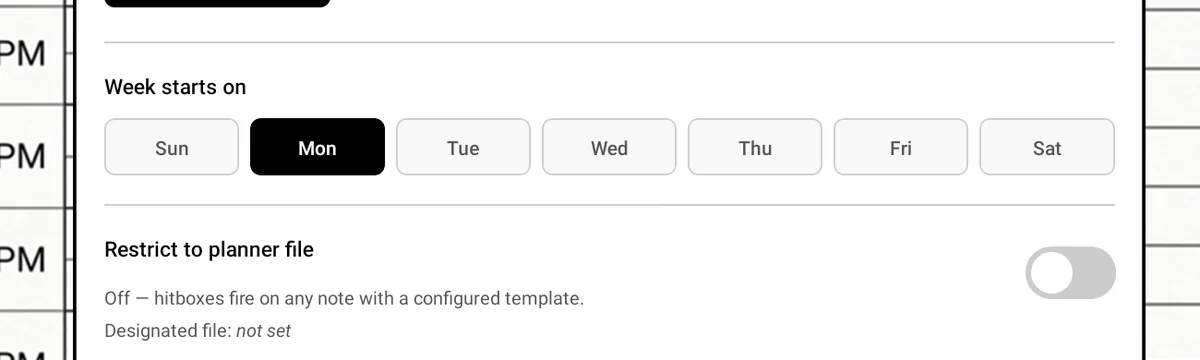
Week starts on (Calendar tab) — which day your weekly pages begin. Change this before creating weekly pages; existing ones keep the day they were made with.
-
Planner file (Settings tab) — which note your planner lives in. Send to… dates, the Today toolbar button and the floating button's icons go there, from any note or PDF. Today is in a PDF's toolbar too.
-
Restrict to planner file (Options tab) — when on, Modulanner's zones only work in your planner file, so a stray tap in an unrelated notebook does nothing.