Options: what you switch on or off
OPTIONS TAB
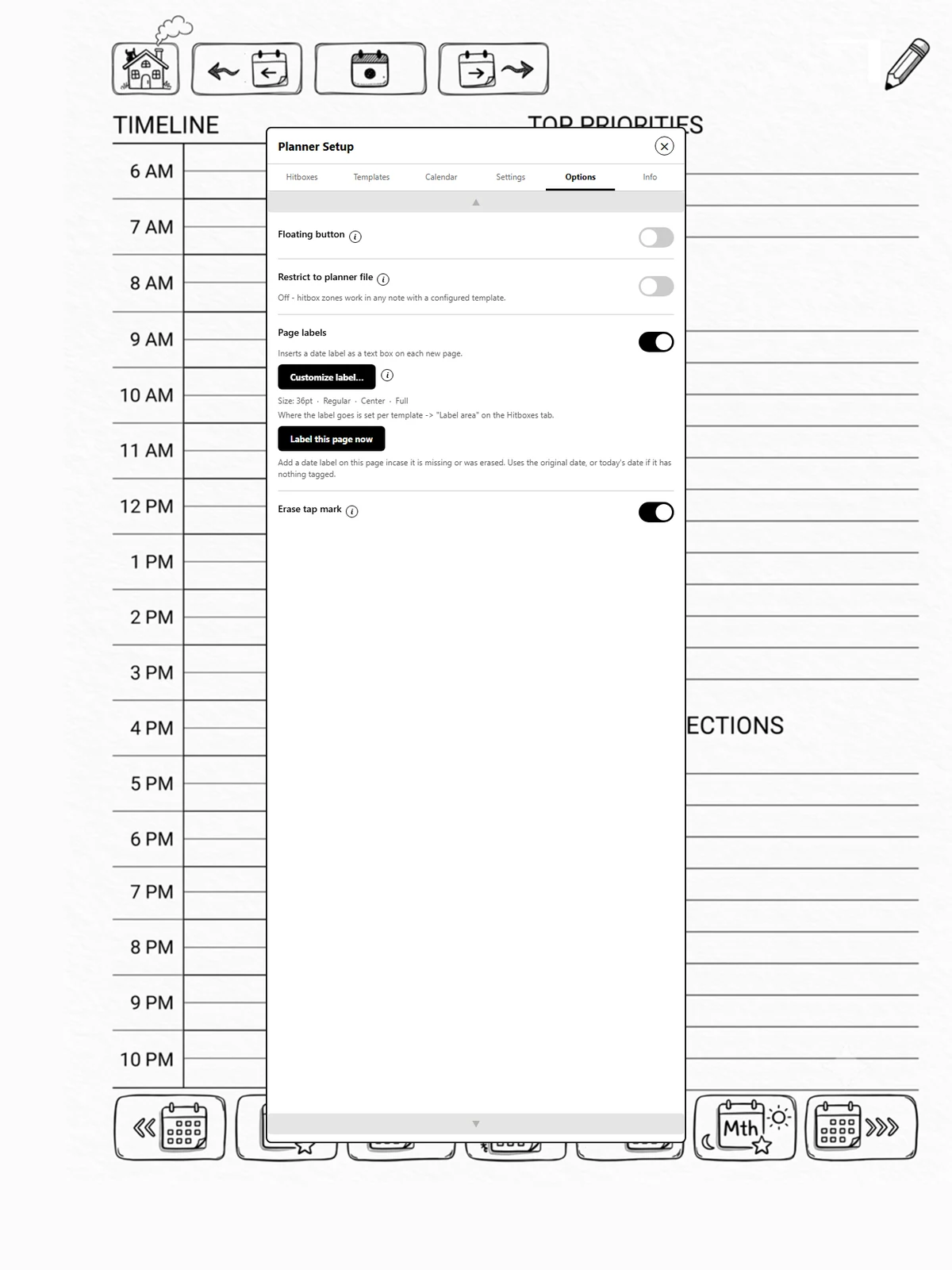
Sections
-
Floating button: the button that floats over your page, and what it shows: icons or your hitbox zones (Part 1b). With it on, you also choose which way the icons run and which ones to show.
-
Restrict to planner file: only react to taps on your hitbox zones in one note. The note itself is chosen on Settings, Planner file (page 1.10). It does not affect the floating button's icons or the Today toolbar button, which take you to the planner from anywhere.
-
Page labels: the switch, the format, and Label this page now (page 2.7).
-
Erase tap mark: clean up the dot a tap leaves behind (page 4.4).
Where did the Packs tab go?
Options took its place. Packs still work; see Part 5.